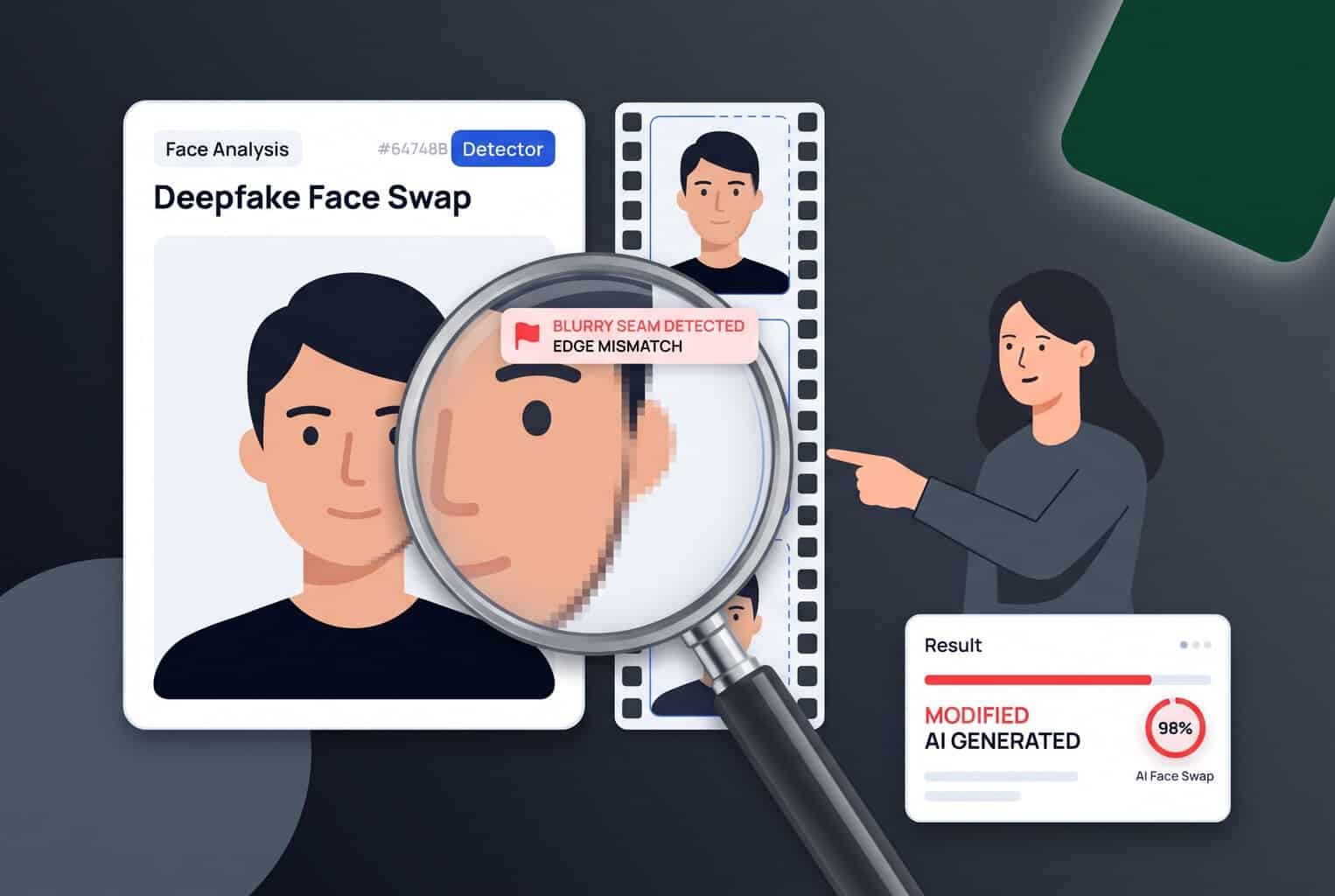
Deepfakes are becoming increasingly adept at fooling the human eye.
Picture a video call from your boss asking you to approve an urgent wire transfer. The face, voice, and mannerisms all check out, but the person on screen isn’t real.
Deepfake face swaps now make that scenario possible, and people can spot deepfake video only about 58% of the time, according to a 2026 study in Cognitive Research: Principles and Implications. Fraudsters use them to pose as executives, celebrities, and romantic partners, and the realism keeps improving.
In this guide, we show how to spot face swaps in photos and short video using manual review and AI detection, then test how well AI detection performs.
Key Takeaways
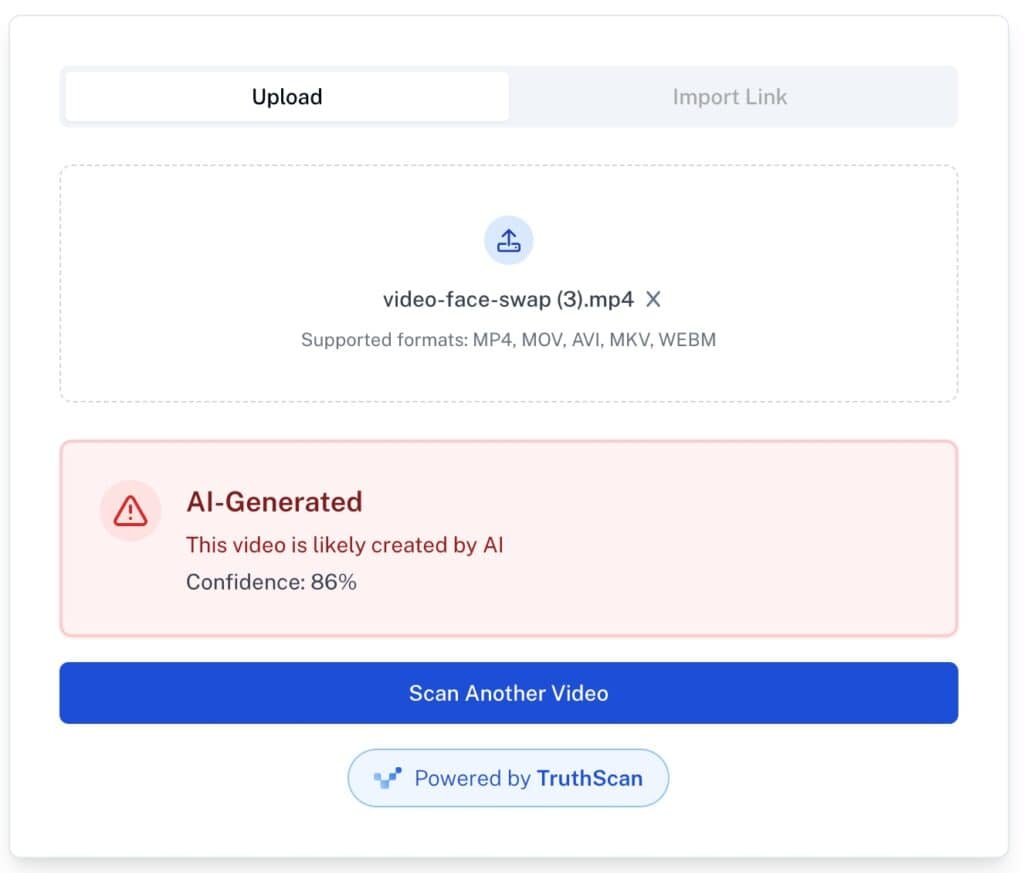
- Our test found that Undetectable AI’s detectors flagged all five face-swap samples, with the three images scoring 1% to 49% likely to be real and the two videos scoring 86% and 97% likely to be AI.
- Sample three was the weakest result (49% real), so detection scores are best read as likelihoods rather than definitive proof.
- Manual checks for artifacts like blending seams, odd lighting, and flickering are a useful first step but can miss newer models that hide these flaws.
- The lesson is to combine visual review, source and metadata checks, and AI detection rather than relying on any single method.
- Undetectable AI’s image and video detectors, powered by TruthScan, scan for pixel-level anomalies and statistical patterns that the human eye often misses
What is a Deepfake Face Swap?
A deepfake face swap is an AI-generated or manipulated image or video that replaces one person’s face with another’s. The technology uses deep learning techniques to map out and reproduce patterns in facial features, expressions, and movements, a process that makes the end replacement look more convincing.
Examples of Deepfake Face Swap Scams
While face swaps can serve harmless entertainment or creative purposes, bad actors also use them to impersonate individuals, catfish victims, or spread misinformation. Deepfakes help fraudsters conceal their true identities and build trust with unwitting targets.
Video Call Impersonations
Fraudsters use deepfake technology to impersonate trusted individuals through live video calls. They might pose as executives, family members, or authority figures to manipulate victims into surrendering money or sensitive information.


Never Worry About AI Detecting Your Texts Again. Undetectable AI Can Help You:
- Make your AI assisted writing appear human-like.
- Bypass all major AI detection tools with just one click.
- Use AI safely and confidently in school and work.
Fictitious Celebrity Endorsements
Fraudsters borrow the image of a trusted public figure to exploit the goodwill and trust of their audience. They might promote suspicious or high-risk schemes, such as cryptocurrency platforms, investment scams, or miracle products.
Romance Scams
A romance scam involves a fraudster using a fake identity to build a relationship with a target, typically through a dating platform. The fraudster exploits the target’s emotions, coaxing them to send money, surrender sensitive emotions, or sign up for fraudulent investment platforms.
KYC Bypass
Deepfake technology can create identity documents that appear convincing enough to bypass KYC checks. Fraudsters use these synthetic documents to create fictitious identities, open fraudulent accounts, and gain unauthorized access to financial services.
How to Spot Deepfake Face Swamps
Although deepfake face swaps are becoming increasingly convincing, visual analysis, metadata inspection, and AI detection tools can still help distinguish them from genuine media. Here’s a step-by-step guide to identifying deepfake face swaps.
Step One: Run a Manual Visual Check
Because generative models use mathematical processes to create rather than shooting scenes directly through cameras, their outputs often contain subtle AI artifacts that conflict with natural anatomy, lighting, or physical interactions.
Artifacts you can check for include:
- Facial distortions: Misaligned eyes, uneven facial features, unnatural teeth, or irregular skin textures.
- Lighting inconsistencies: Shadows, highlights, or skin tones that do not match the surrounding scene.
- Blending artifacts: Visible seams, blurred edges, or unnatural transitions where the swapped face meets the original head.
- Unnatural expressions: Facial movements or expressions that appear stiff, exaggerated, or inconsistent with the rest of the face.
- Inconsistent skin texture: Differences in sharpness, detail, or texture between the swapped face and the surrounding skin.
- Boundary distortions: Warping around the jawline, hairline, ears, or neck where the replacement face meets the original image.
- Temporal inconsistencies in videos: Flickering facial features, sudden changes in appearance, or movements that do not remain consistent across frames.
This method is effective for older or simpler models, which are not up-to-date with modern generation techniques. However, many newer models have had enough training to conceal artifacts more effectively, making deepfake face swaps harder to identify through visual inspection alone.
Step Two: Compare the Suspicious Item with Other Media
If the suspected deepfake came from an online publication (as opposed to a private image, profile photo, or video call) it’s worth examining the surrounding information. The media’s context and source can reveal inconsistencies that suggest manipulation or misrepresentation.
Here are ways to check:
- Verify the original source: Look for the earliest available version of the image or video. Genuine photos are more likely to originate from reputable news outlets, official websites, or verified accounts. If the media was posted elsewhere, you have reason to regard it with suspicion.
- Examine the person’s other photos: If the individual in the deepfake is a public figure or someone you know, other verified photos or photos provide a strong point of reference. Comparing the suspicious media with these other photos can reveal discrepancies in facial features, expressions, or other contextual details.
- Look for corroborating evidence: Check whether other reliable sources confirm the event, statement, or interaction shown in the media.
Being posted by a verified source does not guarantee that a photo or video is real. However, it makes the likelihood of the photo being used as a vehicle for fraud much lower.
Step Three: Inspect Metadata and Provenance
Metadata refers to the data in an image or video that describes its characteristics, including how it was created, edited, and processed. Meanwhile, provenance records store information about where a file originated and how it has changed over time. Both provide useful clues about the origins of a suspected deepfake face swap.
Inspecting metadata and provenance records involves the following steps:
- Obtain the original file: The first step is to obtain the image or video directly from the original source. Avoid screenshots or social media re-uploads, which typically strip, alter, or re-encode metadata.
- Review the metadata: You can review the metadata by using a metadata tool, such as ExifTool or Metadata2Go. Depending on your operating system, you can also right click the photo for more information.
- Look for inconsistencies: Check discrepancies between timestamps, software tags, or other available details and the file’s claimed origin. For example, editing software tags may indicate that the media underwent processing, while conflicting timestamps may raise questions about its creation history.
- Check for content credentials: C2PA-compatible verifiers can reveal whether a file shows signs of tampering or contains valid digital signatures. They can also display available provenance records, including the file’s origin, creation method, and documented edits, which may help identify AI-generated or manipulated content.
Use metadata findings as one source of evidence in a broader investigation. Although inconsistencies warrant scrutiny, metadata alone cannot confirm whether a file is authentic or manipulated. Some deepfakes still contain plausible metadata, while legitimate media can include editing records or lack provenance information entirely.
Step Four: Run an AI Detection Analysis
One efficient way to investigate suspected deepfakes is to run an AI detection analysis. AI detection tools use forensic analysis to scan images and videos for signals commonly associated with generative AI, such as statistical patterns, pixel-level anomalies, metadata inconsistencies, and the visual inconsistencies that the human eye might struggle to catch.
Detection models combine these signals to calculate the likelihood that AI created or altered a piece of content.
Can AI Detection Catch Deepfake Face Swaps? A Test
To test how effectively AI detectors can catch deepfake face swaps, we ran three image face swaps and two video face swaps through Undetectable AI’s image and video detectors. We created the samples by using free face swap generators to blend unlicensed stock images with pre-existing faceswap templates.
The tools we used were the Undetectable AI image detector and the Undetectable AI video detector. Both are powered by TruthScan and trained on models like Dall-E, ChatGPT, and Gemini.
Image Results
Image Sample 1

Detection Score = 3% Real
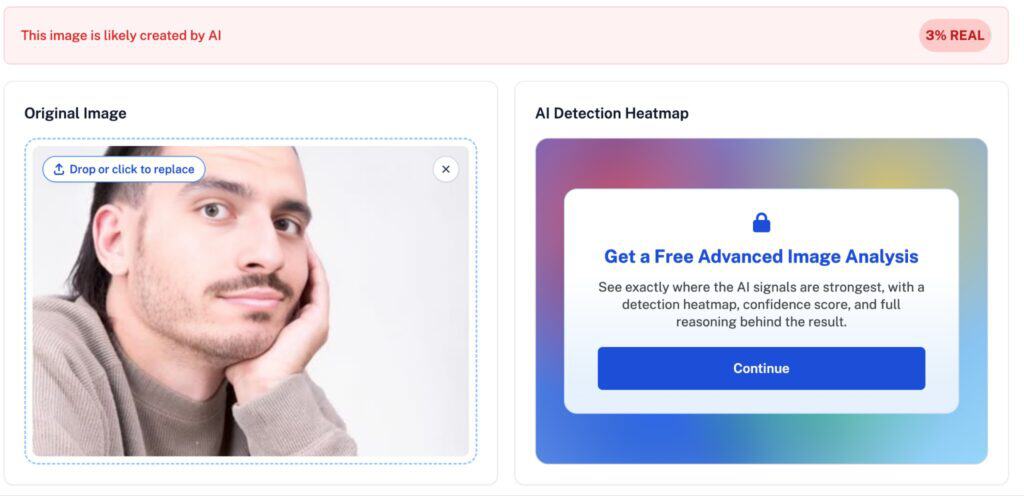
Image Sample 2

Detection Score = 1% Real
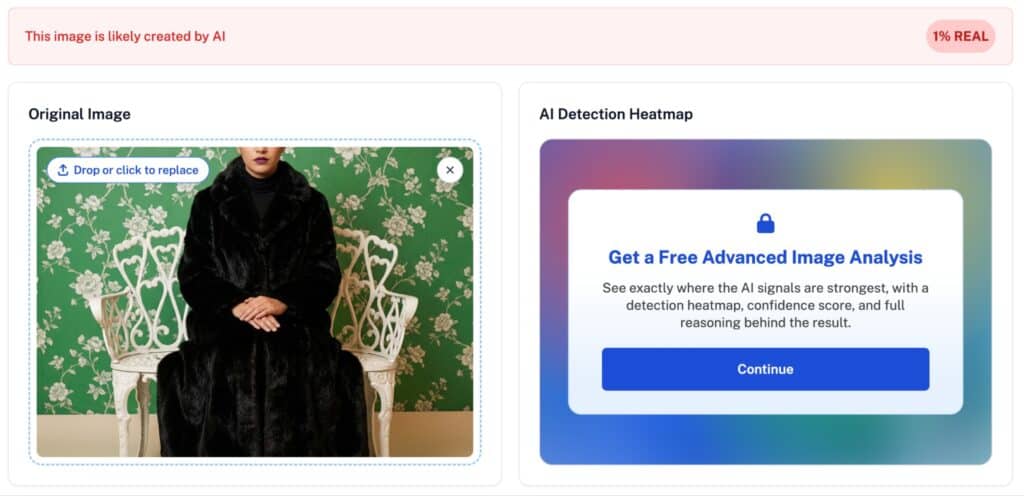
Image Sample 3

Detection Score = 4% Real
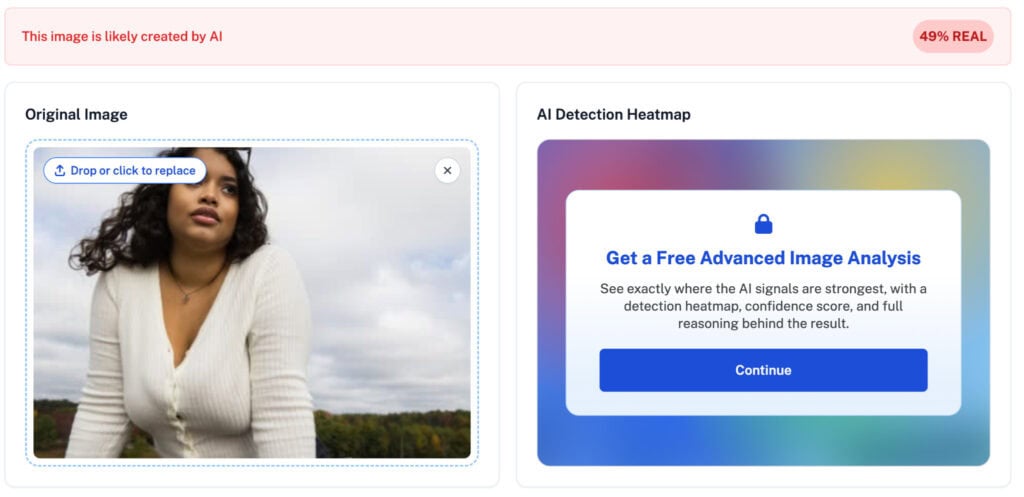
The Undetectable AI’s AI Image Detector scores images on their likelihood of being real, which means the closer a score is to zero, the more likely an image is to be AI-generated. Our samples earned scores of 3%, 1%, and 49% respectively.
As you can see, none of the images contained obvious visual defects, save for sample three, which shows some minor lighting and proportion inconsistencies. The AI detector was able to map out the subtle patterns that indicated that the photos were generated mathematically rather than shot directly through a camera.
Video Results
Detection Score = 86% AI
Detection Score = 97% AI
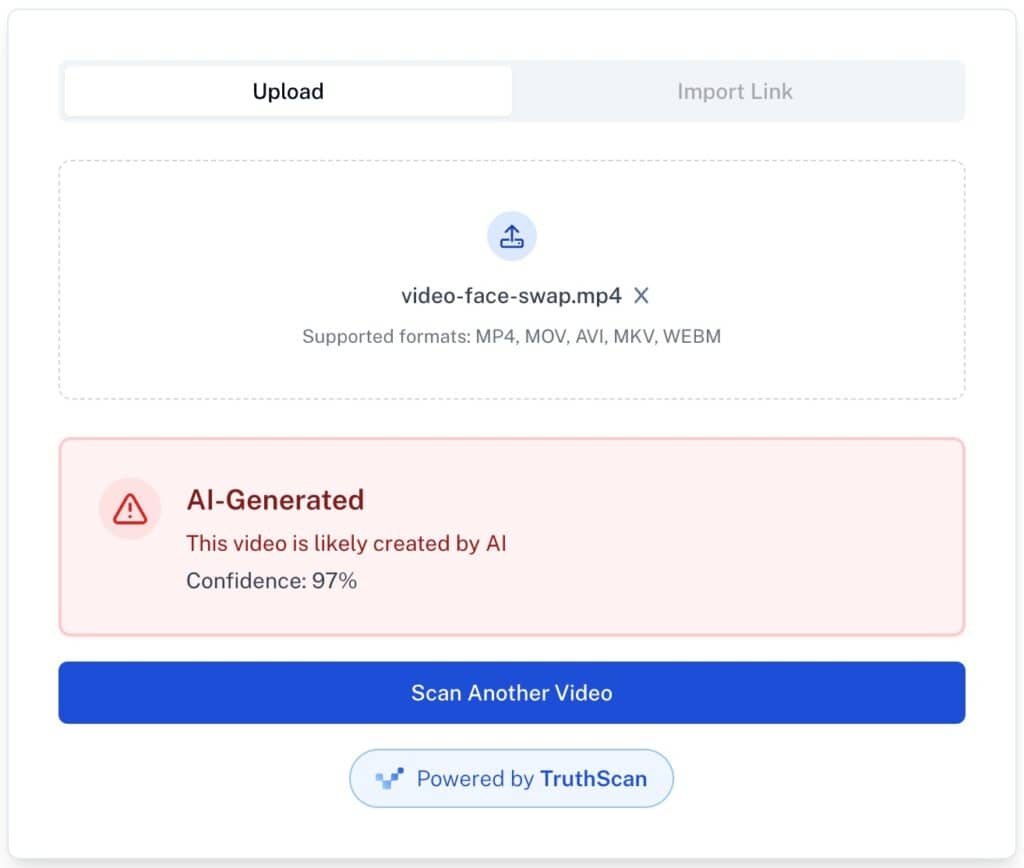
The Undetectable AI Video Detector scores videos on their likelihood of containing AI-generated content. The closer a score is to 100%, the more likely the video is to be AI-generated or AI-edited.
Our test on videos showed similar results. The video detector successfully flagged distorted facial expressions, unnatural movements, and unnatural anatomical proportions.
Frequently Asked Questions
How can you tell if a photo has been face swapped?
Deepfake face swaps often exhibit visual details that are inconsistent with real-world physics, anatomy, or lighting. Common traits include distorted facial features, unnatural skin textures, mismatched lighting, blurred edges around the jawline, or irregular blending between the face and surrounding skin. You can use AI detection to flag the signals that aren’t immediately apparent.
Can AI detectors spot face swaps in short videos?
AI detectors can flag patterns commonly associated with deepfake face swaps. They can scan videos for visual and temporal inconsistencies, such as anatomy errors, blending artifacts, lighting inconsistencies, and inconsistent movements. However, AI detectors typically generate likelihood scores rather than definitive verdicts, so it’s best to treat results as supporting evidence rather than proof.
What should I do if I think an image or video is a deepfake?
What to do depends on your current context.
If you encounter a suspected deepfake when communicating with a trusted individual, such as a loved one, business associate, or service provider, cease communication and contact them through a trusted channel to confirm their identity.
If you encounter suspected deepfakes through a dating platform, compare the images and videos with the person’s other online profiles. Look for visual inconsistencies or evidence that the content represents a real person.
If you encounter a suspected deepfake image or video through a social media or website post, look for the original source and evaluate its trustworthiness. Compare the content with reliable references to prove that the information being presented is true.
Final Thoughts
Spotting deepfake face swaps starts with checking for unnatural facial features, inconsistent lighting, and mismatched movements. If something looks suspicious, don’t rely on visual inspection alone. Use AI detection to help assess the content before trusting or sharing it.
Need to check a suspicious image or video? Try Undetectable AI’s Deepfake Detector to analyze potentially manipulated media and make more informed decisions about what you see online.