
Can you tell what kind of business this is without reading a single word on the card?

One look at the visuals, and you know that this is a dentist’s business card.
That’s the entire point of a great custom business card. It communicates who you are before a single word is read.
A well-designed card can be a silent ambassador for your brand.
It not only builds credibility, shows professionalism, but also makes your brand impossible to forget.
In this blog, we’ll see how to create custom business cards that stand out. From choosing the right colors, fonts, and layouts to exploring 15 proven templates, we’ll learn it all. We’ll also show you how to use AI to craft a tagline and business name that make your card work even harder.
Let’s dive in.
Key Takeaways
- Business cards convert at 12%, Nearly 6x more effective for networking than a standard website.
- Thick paper (16pt+) and finishes like Soft Touch or Linen build trust and professionalism.
- Use scannable layouts and sans-serif fonts (8pt+) so contact info is always clear.
- Keep it uncluttered to guide the eye to key branding elements.
- Add QR codes or NFC for access to your portfolio or website.
- Match your card’s colors and fonts to your website and social media.
- Generate short, punchy 5–7 word taglines with AI.
What are Business Cards?
A business card is a small printed card (usually 3.5 × 2 inches) that shows your basic work details.
It may have your name, job title, company, phone number, email, and sometimes a website or logo.
Whether you are looking for business cards near me for a local touch or browsing business cards online for more variety, these cards are usually given for two reasons:


Never Worry About AI Detecting Your Texts Again. Undetectable AI Can Help You:
- Make your AI assisted writing appear human-like.
- Bypass all major AI detection tools with just one click.
- Use AI safely and confidently in school and work.
- So the other person can contact you later using the details on the card.
- To promote your brand or company.
Research shows that business cards have an average conversion rate of about 12%. This means around 12 out of 100 cards handed out lead to some kind of follow-up.
By comparison, the average website conversion rate is about 2.35%. A physical card is easier to keep and remember, which is why it works better in networking situations.
Let’s understand different types of business cards:
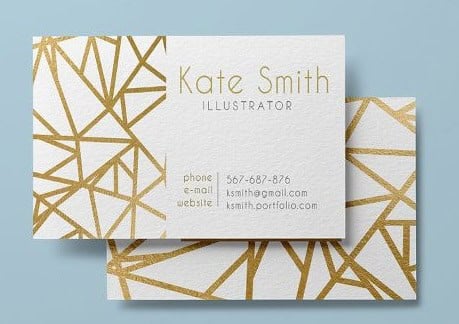
- Standard Business Cards
The classic 3.5″ × 2″ rectangle. This is the format most professionals expect. If you order custom business cards in this size, they will fit easily in wallets, cardholders, and desk organizers.
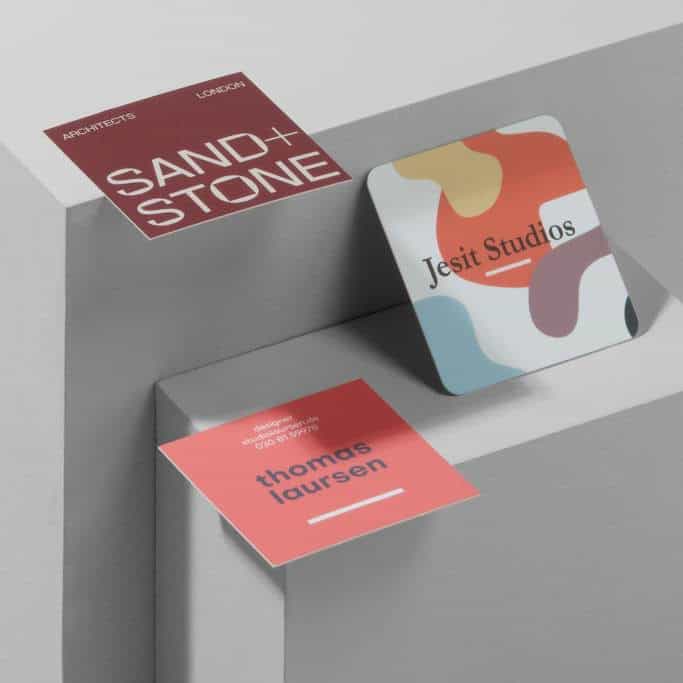
2. Square Business Cards
Usually 2″ × 2″ or 2.5″ × 2.5″. It looks different and catches attention in a stack of regular cards. While many people search for business cards near me to get these quickly, ensure your local printer can handle non-standard cuts.
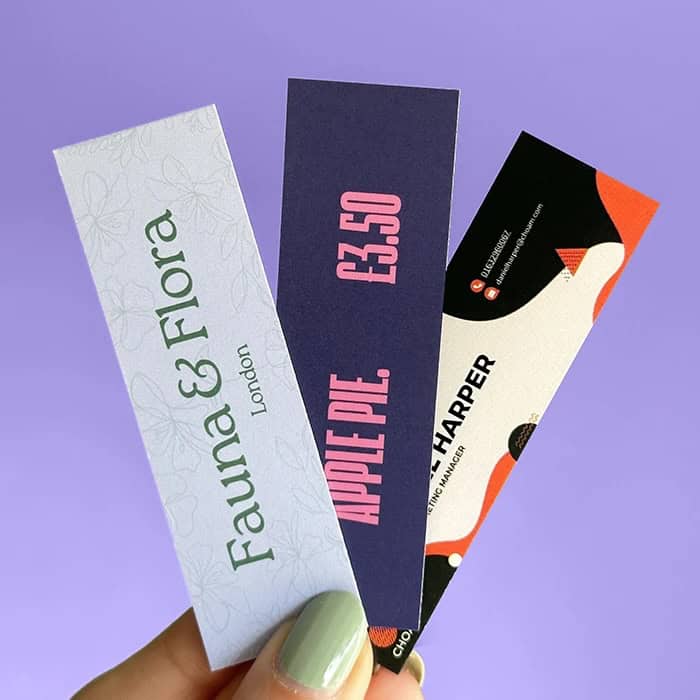
3. Mini Business Cards
Around 1.5″ × 3.5″ or 1.75″ × 3.5″. These are slim and modern. Perfect for those ordering business cards online who want a sleek, minimalist look.
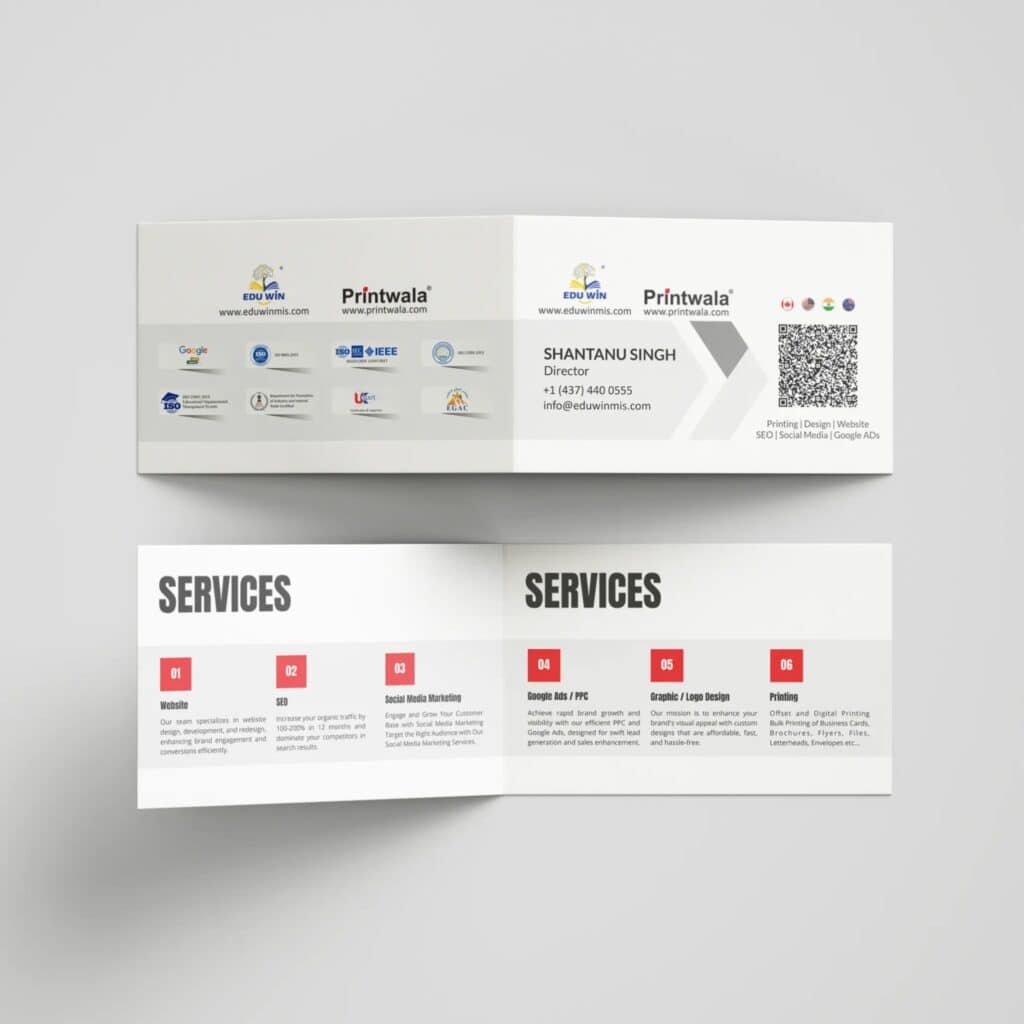
4. Folded Business Cards
Often 3.5″ × 4″ when folded. They open like a small booklet. Businesses use them for service lists, appointment details, or bilingual information.
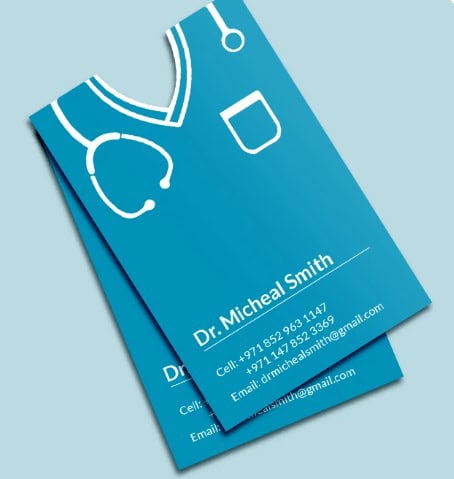
5. Die-Cut Cards
These custom business cards are cut into custom shapes such as circles, tools, bottles, or any design related to the brand.
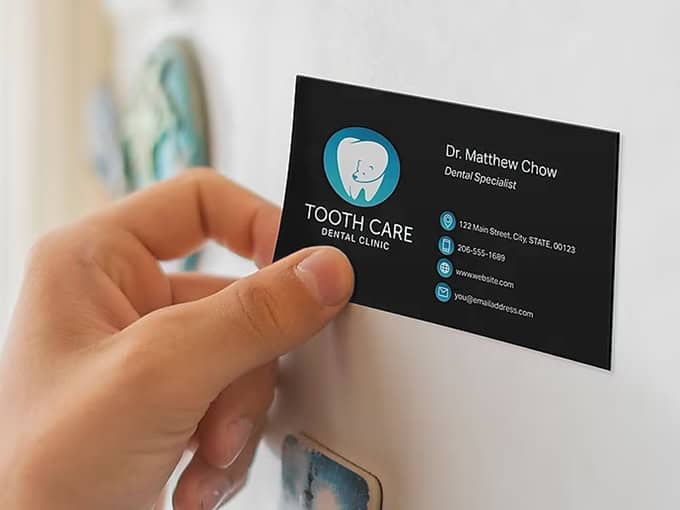
6. Magnetic Business Cards
These cards have a magnetic back so they stick to refrigerators or metal surfaces.
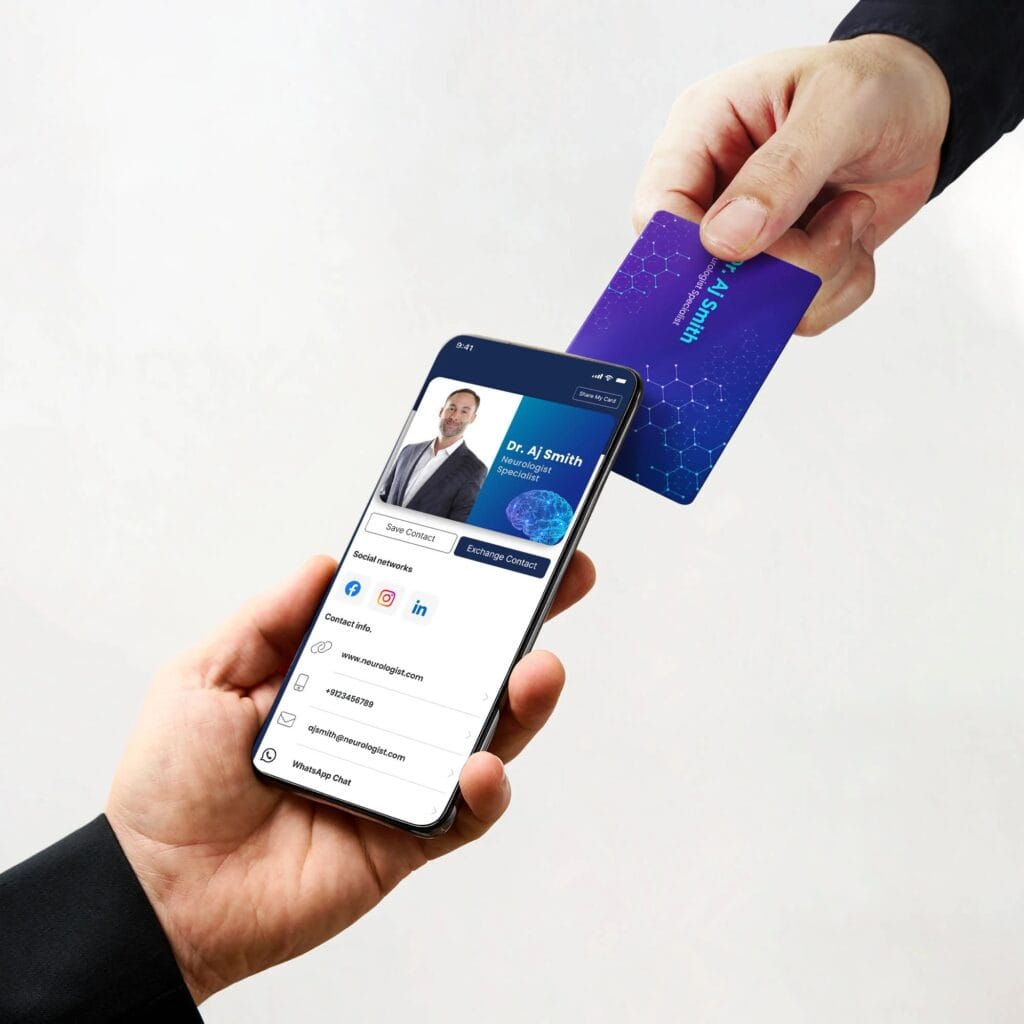
7. Digital / NFC Business Cards
These cards share contact details through NFC tap or a QR code. Many professionals now order these business cards online to complement their physical ones.
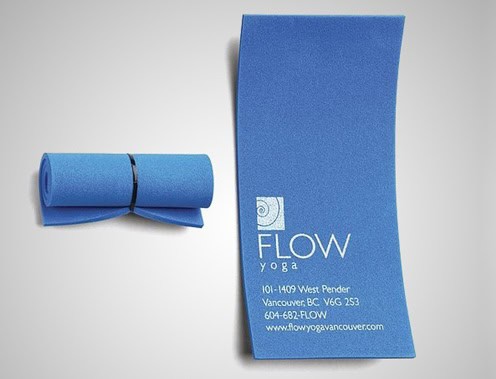
8. Specialty Cards
Made from materials like metal, wood, clear plastic, or textured paper. They cost more but feel premium and memorable.
Choosing the Right Design for Cards
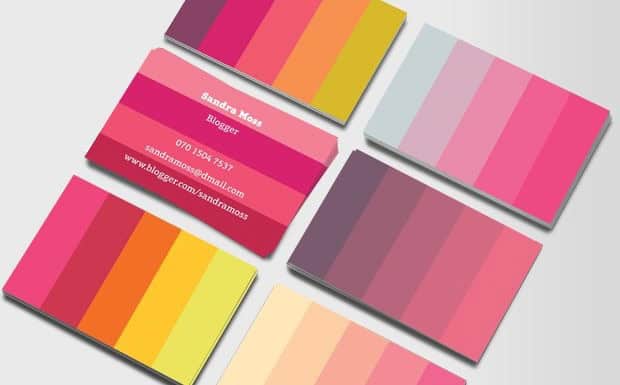
- Color schemes that pop
Color is usually the first thing people notice on a business card.
Your color palette should do three things simultaneously:
- Reflect your brand personality
- Appeal to your target audience
- Keep the text easy to read
If the color choice is wrong, the card can look off-brand or unprofessional, even if the design itself is clean.
Common Color Meanings in Business Cards
| Color / Scheme | What It Signals | Best For |
| Blue | Trust, stability, professionalism | Finance, law, tech, healthcare |
| Red / Orange | Energy, urgency, action | Sales, marketing, food, entertainment |
| Green | Growth, wellness, nature | Health, eco brands, coaching |
| Black, White, Gold, Deep Navy | Luxury, authority, sophistication | Premium services, fashion |
| Bold / Vibrant Mix | Creativity, innovation | Designers, startups, agencies |
Here are some simple design rules:
- Use clear contrast for text (dark text on light background or vice versa).
- Stick to 2–3 colors to keep the design clean.
- Match card colors with your logo and brand identity.
- Test print colors first. Screen colors may look different on paper.
- Use a contrast checker to ensure the text is readable.
- Font readability matters
Readability comes first. Business cards use very small text, so the font must:
- Stay clear at small sizes
- Match your industry and brand personality
Font Types by Industry
| Font Style | What It Communicates | Best For | Examples |
| Sans-serif | Clean, modern, professional | Tech, startups, digital services | Helvetica, Inter, Roboto, Manrope |
| Serif | Traditional, trustworthy | Law, finance, consulting, academia | Garamond, Baskerville, Times New Roman |
| High-contrast serif | Elegant, premium feel | Luxury brands, fashion, hospitality | Playfair Display, Didot |
| Script / Display (for name only) | Creative, personal | Designers, artists, personal brands | Pair with a simple sans-serif |
Standard Font Sizes for Business Cards
| Name or business name | Job title | Contact details | Tagline or small text |
| 12–16 pt | 10-12 pt | 8-10 pt | 6-8 pt |
Simple Typography Rules
- Use no more than two fonts on one card.
- Use different weights (bold, regular) to create hierarchy.
- Sans-serif fonts read better at small sizes, especially on rough paper.
- Avoid condensed fonts for phone numbers or emails.
- Always print a sample first before ordering a large batch, especially when you order business cards online.
- Layouts for easy scanning
People scan left-to-right, top-to-bottom (in Western cultures). Your layout should guide the eye from your most important info (name, brand) to secondary info (contact details).
Layout Options
| Style | How It Works |
| Clean & Minimal | Name/logo front, contact back |
| Information-Dense | All info on one side, grouped logically |
| Visual-First | Big image/design front, contact back |
| Two-Sided Maximizer | Front = brand identity, Back = full contact + QR + services |
Layout Rules
- Left-aligned text scans faster than centered.
- Use white space to reduce clutter and guide the eye.
- Add QR codes when useful (website, portfolio, LinkedIn).
- Place logos top-left for attention; avoid edges.
- Keep all text/logos at least 3mm (0.125″) from edges.
- Include only contact info you actually use.
- For online-focused businesses, omit physical addresses to simplify.
Selecting the Best Paper and Finish
Choose paper that reflects your brand’s emotions, not just its look. Eco-brands on glossy stock feel contradictory, while flimsy cards weaken a luxury brand’s premium image.
Paper is your brand promise made tangible.
This is especially important when ordering business cards online.
Business Card Paper & Finish Guide
| Category | Options | Key Notes / Use Case |
| Standard Stock | 14pt | Common, professional, cost-effective. Suitable for most industries. |
| Premium Stock | 16pt | Thicker, more rigid, durable in wallets. Minimum for professional image. |
| Ultra-Thick | 32pt | Feels like a credit card. Luxurious and bold. Painted edges optional. |
| Soft Touch / Velvet | 16pt matte lamination | Luxurious, tactile, deep colors. Ideal for premium/fashion brands. |
| Matte | Standard 14–16pt | Non-reflective, modern, writable. Great for appointments and clean designs. |
| Gloss / High Gloss | Standard 14–16pt | Shiny, vibrant colors, moisture-resistant. Avoid over QR codes. |
| Linen / Cotton | Textured, natural | Elegant, premium feel. Ideal for law, finance, artisanal brands. |
| Kraft / Recycled | Brown matte | Eco-conscious, earthy aesthetic. Matches sustainability-focused brands. |
| Bamboo / Hemp | Tree-free, textured | Soft-touch natural feel. Perfect for eco-forward brands. |
| Frosted Plastic | Translucent | Modern, distinctive, memorable. Works for tech, architecture, design. |
Speciality Finishes
| Finish | Effect / Tip |
| Spot UV | Gloss over specific areas (logo/name). Adds contrast. |
| Stamped / Inline Foil | Gold or silver in text/images. Use sparingly for a premium accent. |
| Raised UV / Embossed | Creates 3D texture. Highlight logo or name. |
| Painted Edges | Pop of color on ultra-thick stock. Sophisticated detail. |
Quick Checklist
Finish matches brand personality (Soft touch = luxury, Kraft = eco, Gloss = bold).
Writable if needed? (Matte, kraft, linen = yes; soft touch/gloss = tricky).
QR codes scan cleanly (avoid heavy gloss).
Request physical samples before bulk printing.
Card thickness: 16pt minimum; below 14pt feels cheap.
Specialty finishes <50% coverage to avoid a cheap look.
Uncoated stock? Use bolder fonts & slightly larger sizes to prevent ink spread.
Top 15 Templates for Business Cards That Stand Out
Here are 15 high-impact templates for custom business cards:
- Classic Minimalist
White or off-white background. Name in large, clean sans-serif. Contact info in smaller font below. Logo top right. Nothing extra.
- Dark Background High Contrast
Deep black, navy, or forest green background. White or metallic text. Logo in gold or silver.
- Bold Color Block
One half of the card is a solid brand color; the other half is white. Name and logo on the colored side. Contact info on the white side.
- Photography / Visual-Forward
Full-bleed image on the front (portrait photo or product photo). All text on the back on clean white.
- Vertical Layout
Portrait orientation (2″ wide x 3.5″ tall). Name and title prominent at top. Contact info stacked below. Logo at bottom.
- Back-of-Card CTA
Clean standard front. Back features a single strong call-to-action (e.g., a discount code, a QR code, an offer, a portfolio preview). It turns a passive card into an active marketing tool.
Salon offering “First visit: 20% off,” attorney with “Free 15-minute consultation”, these CTAs get cards kept and acted upon.
- Monogram / Initial Focus
Large typographic initial or monogram as the dominant visual element. Clean sans-serif or elegant serif. Contact info minimal.
- QR Code Feature Card
QR code is a prominent design element, not an afterthought. Paired with a simple, clean layout.
- Textured Craft / Eco
Kraft paper stock. Earthy, muted tones. Simple illustration or hand-drawn logo style.
- Double-Sided Branding Split
Front: logo that is large, centered, pure brand moment. Back: all contact information, clean and organized.
- Foil Accent Card
Matte or soft-touch base with gold or silver foil on name or logo. Foil accent + matte contrast is one of the most visually and tactilely impactful combinations.
- Industry Silhouette
A subtle icon or silhouette related to the industry integrated into the background or as a watermark. Architect using a building outline. Photographer using a camera aperture.
- Service List Back
Front: name, logo, primary contact. Back: short bulleted list of key services. It eliminates the question “What exactly do you do?” before it’s asked.
- Appointment Card Hybrid
Clean design with a dedicated space on the back for appointment date/time (pre-printed with fill-in lines).
- Painted Edge Premium
Ultra-thick 32pt cardstock with a colored painted edge, visible from the side of the card in a stack. Subtle pattern or solid color on the edge. Signals attention to detail and premium investment.
How to Include Memorable Branding Elements
Your business card is a chance for someone to experience your brand in their hands. Every choice you make should tell the same story your website, social media, and in-person presence already tell.
Here are some of the core branding essentials:
- Logo: Put it where people notice it first (e.g., top left for natural reading, or centered for balance). Always use a crisp, high-resolution file; avoid screenshots or JPEGs.
- Tagline/Slogan: Use a short line (4–8 words) that explains what you do and why you’re different. Examples:
- Helping Small Businesses Grow Online
- Strategic Financial Planning for Entrepreneurs
- Brand Colors: Stick to your established palette. Colors that don’t match other materials confuse people and weaken trust.
- Brand Fonts: Keep your card in line with your brand’s typography. Switching fonts breaks the sense of consistency.
- QR Code: Make it part of the design. Link it to a portfolio, booking page, video, or LinkedIn. Make sure it’s easy to scan and test it first.
- Positioning Statement: A single line like “The only [category] that [benefit] for [audience]” can set you apart.
Follow these extra tips to make your card shine:
- Use the Back: Most people ignore it, but it’s perfect for a quote, service summary, QR code, or bold visual.
- Consistency Matters: Your card should feel like it belongs with your website, emails, and other marketing. Familiarity builds trust.
- Proofread: Spelling mistakes are a silent trust killer. Check twice, and have someone else check again.
- Consistency Over Creativity: A clean, consistent card always wins over a flashy but messy one.
Enhancing Business Card Creation with Undetectable AI
One of the biggest overlooked challenges in business card design isn’t the layout, it’s the words.
Too often, people default to generic labels like:
❌ Marketing Consultant
❌ Web Designer
❌ Financial Services
These tell people what you do, not why they should care.
A great tagline does in 5–7 words what a paragraph cannot. It communicates your unique value, sparks emotion, and makes you memorable.
→ Nike’s “Just Do It”
→ FedEx’s “When It Absolutely, Positively Has to Be There Overnight.”
Creating a tagline like that takes time, multiple drafts, and feedback… things small business owners rarely have before a networking event.
The Undetectable AI’s Slogan Generator solves this problem. Instead of staring at a blank card, you can:
- Describe your business in one sentence
- Generate multiple tagline options
- Score outputs for brevity, memorability, and clarity
- Export your favorites to test or share with a team
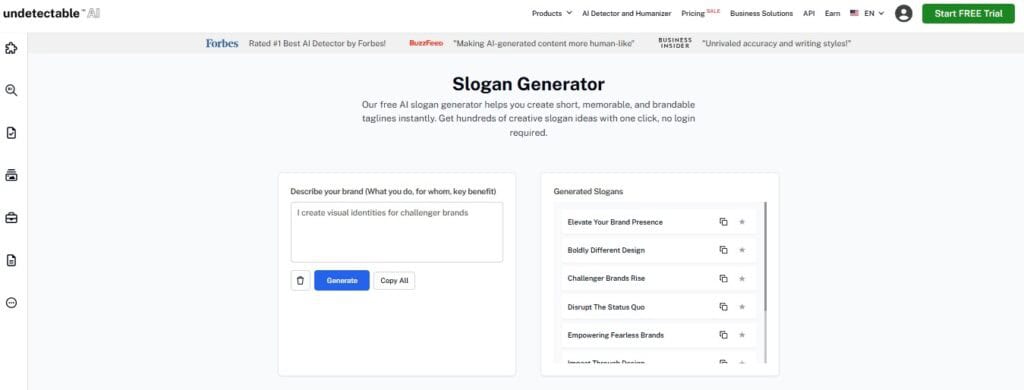
Try it → Undetectable AI’s Slogan Generator
And if your venture is new (or your current name feels generic), your business name is the first thing your card designer needs.
The Undetectable AI’s Business Name Generator helps you:
- Enter keywords or a short business description
- Generate dozens of short, memorable, brandable names
- Filter for available domains
- Work across languages, local or global
- Use it completely free, no sign-up required
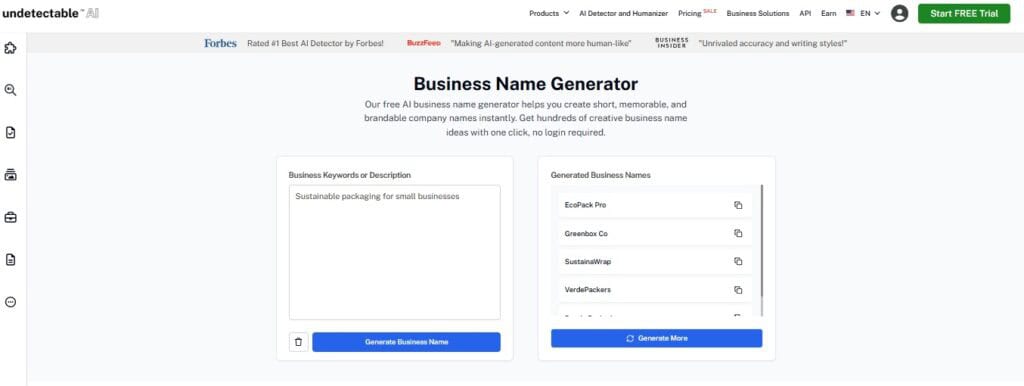
Once you have a name, you can generate taglines to match, then drop both into your card design.
Together, these tools solve the two hardest blank-field problems before you even open design software.
See your results instantly with our AI Detector and Humanizer below!
Final Thoughts
Custom business cards are still one of the most cost-effective marketing tools, especially when you design them with intention.
A card that someone can hold, feel, and keep is unmatched.
Whether you’re looking for a business card near me for a quick local print, or browsing business cards online for premium finishes and templates, the principles remain the same…
Clear branding, readable typography, the right paper weight, and a design that communicates your unique value.
Start with your name and tagline. AI tools can help you nail both in minutes. Then choose your format, finish, and layout with purpose.
If your cards haven’t been updated in the last two years, now is the time. First impressions are built in seconds. Make yours count.
Generate memorable business names and taglines in minutes with Undetectable AI so your brand stands out from the very first impression.