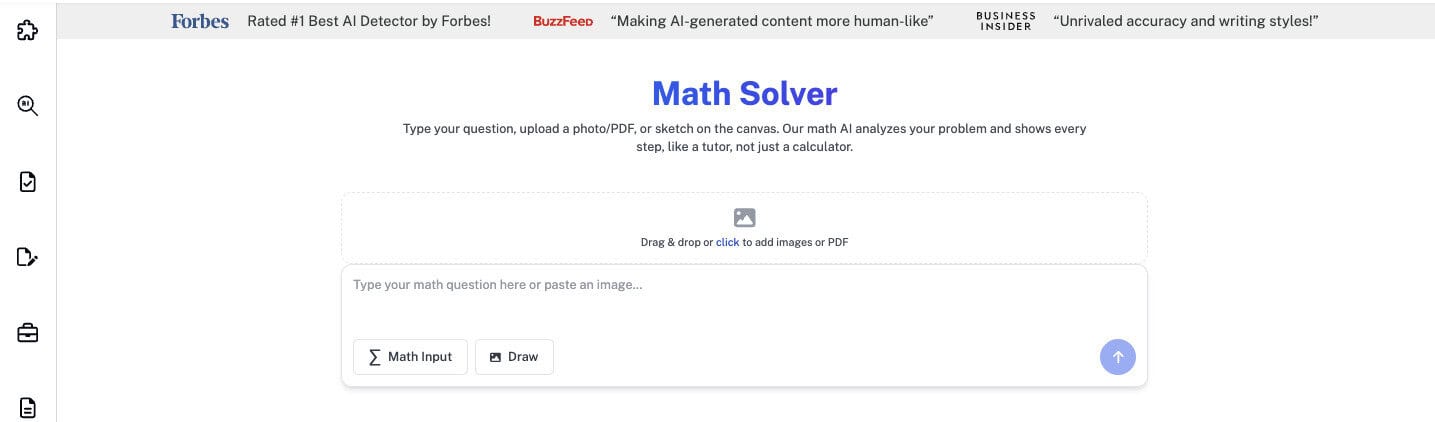
In the present age, businesses heavily rely on data to make investment decisions, discover insights, and gain a competitive foothold in the industry.
Industries including healthcare, finance, and tech are heavily relying on data in order to satisfy their customers and meet their demands.
In 2026, if you do not have access to your business insights, you might lag behind and struggle making fruitful decisions for your business.
Moreover, the data analytics field has opened up an ample number of opportunities that can help business owners gain access to invaluable talent who can help them make informed decisions for their businesses.
So, if you are a beginner looking to get started in data analytics or are a small business owner who wants to analyze his business data more accurately, we have covered these six essential data analysis tools for beginners.
Key Takeaways
- Businesses heavily rely on data to make investment decisions in 2026.
- Data analysis can help analysts extract valuable insight using statistical analysis, programming, and domain expertise.
- Excel, Power BI, and Google Data Studio are beginner-friendly tools for data analysis.
- Coursera and Udemy are good learning platforms for beginners looking for data analysis certificates.
- Common mistakes to avoid as data analysts include relying on unprocessed data, prioritizing the wrong KPIs, and poor data visualization.
What is Data Analysis?
Data analysis is an interdisciplinary field that can help data analysts extract valuable insight using statistical analysis, programming, and domain expertise.
Users analyze data using data analysis tools and make informed business decisions that can drive customer satisfaction and enhance business growth.
Understanding Basic Data Concepts First
If you are a beginner exploring tools for data analysis, there are some basic data concepts that you must be aware of, as they are fundamental to the data analysis practice.


Never Worry About AI Detecting Your Texts Again. Undetectable AI Can Help You:
- Make your AI assisted writing appear human-like.
- Bypass all major AI detection tools with just one click.
- Use AI safely and confidently in school and work.
Without understanding these core concepts, you might not be able to utilize the data analysis tools to your best advantage.
If you are unsure about analyzing large datasets, you can get help from Undetectable AI’s Prompt Generator. This way, you can have access to clear prompts when you want AI to analyze datasets.
Following, we have covered the basic data concepts that include data reprocessing, machine learning algorithms, data visualization, probability and statistics, and model evaluation.
Probability and Statistics
Being able to analyze probability and statistical concepts is imperative for analyzing data, building models, and evaluating results.
- Descriptive Statistics: Measures including mean, median, variance, standard deviation, and correlation can provide a summary of the data’s key characteristics.
- Bayesian Statistics: When making predictions based on previous knowledge and newly observed data, bayesian statistics is pivotal as it updates the probability of a hypothesis.
- Probability Distributions: It draws all possible outcomes of an experiment via mathematical functions or a table. These include normal, binomial, and Poisson. They help understand the behavior of data and help make informed decisions.
- Hypothesis Testing: Techniques such as T-tests, Chi-square tests, and ANOVA are used to test the significance of findings and validate assumptions.
Machine Learning Algorithms
These are the heart of data science. Each algorithm has a specific function, and knowing when to apply the right ML algorithm is critical.
There are two kinds of machine learning algorithms, supervised learning and unsupervised learning.
- Supervised Learning: It includes linear regression, which is a simple algorithm that predicts continuous values by modeling the relationship between dependent and independent variables. Logistic regression is used for binary classification problems.
- Decision Trees and Random Forests: When interpreting complex data, these are powerful algorithms that can combine multiple trees for higher accuracy. These fall under supervised learning.
- Deep Learning: This type of learning helps the machine mimic the human brain structure for processing data. It helps the machine recognize complex patterns and make autonomous decisions. Deep learning then further enables the system to perform tasks such as classification, regression, and representation learning.
- Unsupervised Learning: In contrast to supervised learning, unsupervised learning is a framework in which algorithms learn patterns exclusively from unlabeled data.
Data Reprocessing and Cleaning
When you extract data from a source, it is important to reprocess and clean it so that you can analyze it more efficiently and accurately.
This means transforming raw data into a clean and usable format.
Most machine learning models require usable and clean data. Techniques including Min-Max Scaling and Z-score Standardization, ensure that all features have a uniform scale.
Data Visualization
It is the practice of designing complex data into a clear visual representation. This can include quantitative and qualitative data.
These data visualizations are created to help a target audience visually explore and discover valuable insights that complex data represents.
A bar chart, line graph, and pie chart are all examples of data visualization. These interactive and color coded dashboards turn raw, complex data to actionable insights.
Model Evaluation
In model evaluation, different evaluation metrics are used to interpret a machine learning model’s performance, identifying its weaknesses and strengths.
This helps data analysts assess the efficiency of a model during initial research phases, playing an important role in model monitoring.
Popular metrics for measuring classification performance include accuracy, precision, log-loss, confusion matrics and AUC (area under the ROC curve).
Choosing Beginner-Friendly Analysis Tools
When starting out a career in data analytics, it is important that you choose beginner-friendly data analysis tools to help you study complex data and turn it into valuable insights.
The following are some beginner-friendly data analytics tools.
Power BI for Appealing Visual Dashboards
A software with visual dashboards, Power BI helps data analysts turn complex data into appealing visual charts that showcase valuable insights. The software uses beginner-friendly features like drag and drop for data visualization.
Power BI allows you to input data from various sources, including Excel, SQL Server, Google Analytics, Sharepoint and Salesforce.
In data analytics, being able to combine and interpret data from multiple sources is a critical asset to have when starting out as a data analyst.
The visually appealing dashboards can be very useful in representing data insights to your audience. Power BI also helps you test several data visualization methods to determine the best case scenario for your use case.
Microsoft Excel for Simplified Calculations
All of us at some point in our lives have used Excel. It is an extremely versatile and powerful tool when it comes to data analysis. Excel can help you learn how to organize, manipulate, and analyze data with its built-in features.
Excel can help beginners master the data cleaning and scraping process. It has features that can remove duplicates, conditional format data, and much more.
This can help you clean and organize data before you even begin to analyze it.
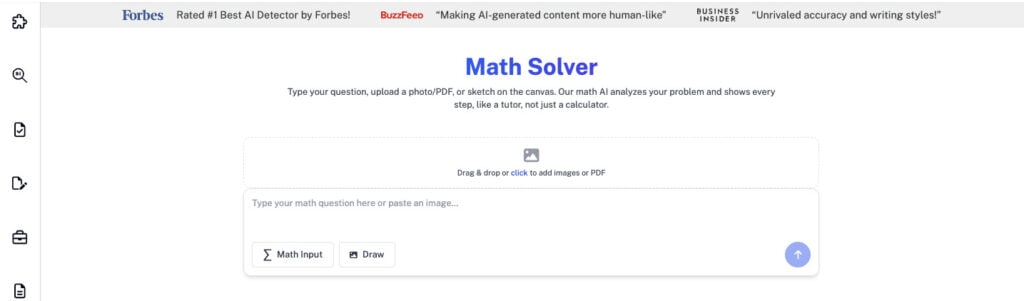
If you are unsure of your numbers and formulas, you can count on Undetectable AI’s Math Solver to validate numbers and verify formulas for accurate data analysis.
It also includes functions such as average, median, and standard deviation, all of which can help you start with basic processes of data analysis.
Platforms Designed for Learners
Since data analysis is a booming field in 2026, more and more platforms are offering beginner courses and tools to help them get started in data analysis.
Coursera is offering individuals several data analysis courses to help them get started. They also have a financial aid option for individuals looking to access affordable data analysis resources.
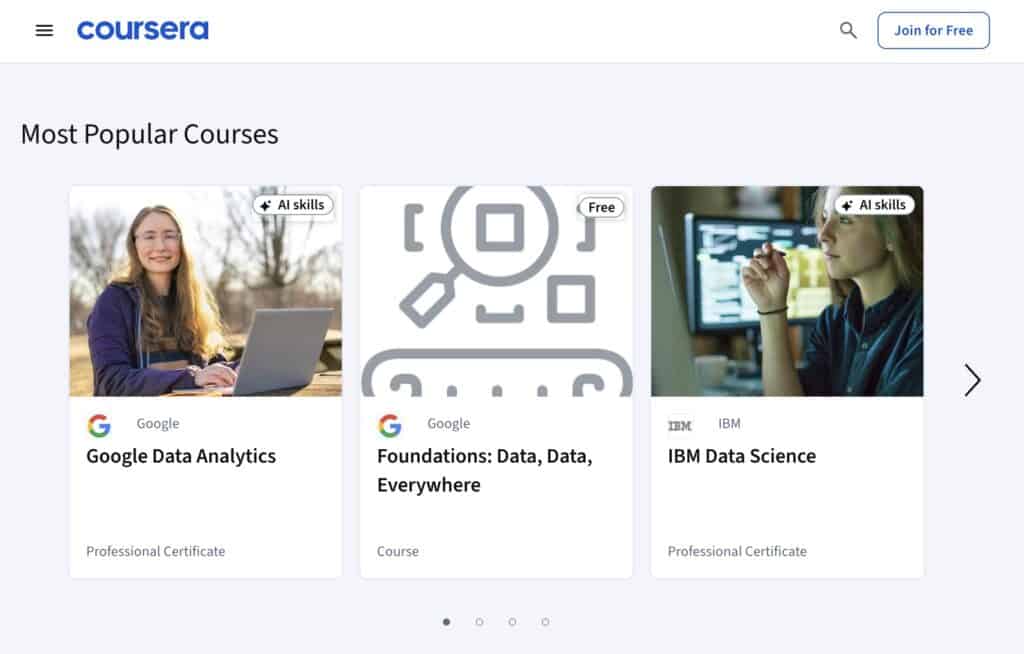
Udemy is another platform designed for learners. From basic data analysis to advanced data analysis courses, Udemy is designed for all sorts of learners.
It is offering courses that can help you learn data manipulation, statistical analysis, and visualization techniques.

Top Data Analysis Tools for Beginners
When starting out in data analysis, it is imperative that you select beginner-friendly data analysis tools that can help you maximize your learning efficiency and deliver exactly what your goal is.
Here are some tools for data analysis we have listed down for beginners.
Python
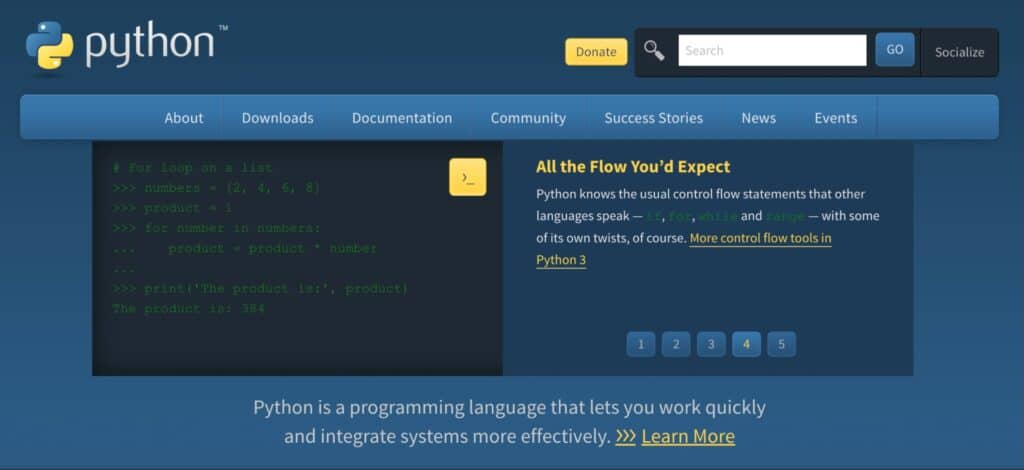
Python is the most versatile programming language for data analysis. It includes libraries such as pandas, NumPy, and Matplotlib that are widely used for data analysis.
Python facilitates complex data analysis and visualization with ease.
Beginners enjoy Python’s readability and simplicity, as it can help them bridge the gap between complex data and actional insights gained from it.
On top of that, Python can also help beginners learn data visualization, machine learning, and web scraping since coding in Python is also relatively easier.
Beginners can also extract data from various sources and clean it for analysis using Python.
SQL
Standard Query Language (SQL) is used to manage, manipulate, and query data stored in databases efficiently. It can help beginners retrieve specific sets of data from a database on a given criterion.
SQL can also help with database management. It can help create and manage database schemas and indexes to optimize performance. SQL also helps users control access to data with granular permission systems.
Tableau
Just like Power BI, Tableau is a data visualization tool that can help users create appealing visual dashboards to present actionable insights. It also offers drag-and-drop functionality.
Moreover, Tableau can help users connect to live data and gain real-time insights. It also offers collaboration tools that can help users share dashboards and work together in real-time.
Tableau uses advanced statistical models, including regression analysis and forecasting, helping users identify trends, predict future outcomes, and make data-driven decisions.
Google Data Studio
It is a free, web-based tool that allows users to create interactive dashboards and reports using data.
Google data studio integrates with other Google services and third-party data sources, which can help small to mid-sized business owners present visual information in an easy to understand manner.
Although Google Data Studio is free to use and easy to begin with, it has limited advanced data analysis capabilities and may lag with large datasets.
Oracle Analytics Cloud
Offering AI-powered insights with detailed data visualization and reporting tools, Oracle Analytics Cloud is a comprehensive data analysis tool.
For beginners looking to scale their data analysis skills, Oracle Analytics Cloud can be a decent choice.
But you should keep in mind that Oracle Analytics Cloud can be complex for non-technical users and has high licensing costs, which can be a constraint for small businesses.
Metabase
For non-technical users who lack SQL expertise, Metabase is an open-source and user-friendly data analysis tool that helps users analyze data and build dashboards.
Metabase requires little to no coding for basic analytics and queries, giving beginners access to easy-to-use tools to transform and visualize data and make data-driven decisions.
Avoiding Common Beginner Data Mistakes
You’re probably analyzing data for the first time using the techniques we discussed above, so it’s only natural to make mistakes. But you can definitely avoid them with the right guidance.
The following are some common beginner data analysis mistakes to avoid.
- Relying on Unprocessed Data: Quality over quantity any day. Relying on large amounts of unprocessed data can lead to inconsistencies and errors that can negatively impact your data analysis process. Furthermore, relying on unprocessed data to make business decisions can lead to incorrect investment decisions, ultimately impacting revenue.
- Poor Data Visualization: Making other stakeholders understand your data analysis is as important as you analyzing it. If you are using data visualization tools that cannot present data in a clear and understandable format, the stakeholders may not accurately understand what you are trying to convey with that data.
- Prioritizing the Wrong KPIs: KPIs provide quantifiable measures to track business processes’ performance and make informed decisions. Prioritizing the wrong KPIs can deviate you from the actual goal and result in poor business decisions. For instance, if you are looking for customer retention, prioritizing metrics such as customer lifetime value (CLV), monthly recurring revenue (MRR), and average revenue per user (ARPU) are more important than prioritizing website clicks.
Building Confidence With Small Data Projects
Data analysis is quite a practical field. So, until you set your foot on the ground, you will not feel confident in data analysis, no matter how many courses you complete or theories you may study.
For beginners, it is imperative that they participate in small data projects that can help them build confidence in their skillset. They can then further scale their skills to analyze complex data sets and present data to stakeholders.
Start with data cleaning, exploratory data analysis (EDA), and basic visualization for small data sets, then gradually upscale. Utilize Excel, Google Sheets, or basic Python (Pandas) for initial projects.
These tools can help you build a portfolio to showcase your skills.

You can also rely on Undetectable AI’s SEO Content Writer tool that can help you with creating project summaries and guides to help others understand what your data analysis project may be about.
How AI Can Support Data Analysis Workflows
With the advent of AI, teams are changing their workflows and how they analyze data. Think of AI in the workplace as our assistant who can help you with repetitive work, but you are still in charge of decision making.
AI can help speed up routine tasks, which facilitates decision making and interpreting complex data for users.
You can rely on Undetectable AI’s AI Chatbot to help you understand complex data analysis queries. It lowers the data analysis entry barrier by explaining results in an easy-to-understand language.
If you are confused as to what decision you should make when analyzing large sets of data, you can ask for help from Undetectable AI’s AI Question Solver to help you make informed, data-drive decisions.
Discover our AI Detector and Humanizer in the widget below!
Final Thoughts
For beginners looking to start out in data analysis, now is a great time because AI can facilitate your data analysis learning like never before.
You can also rely on beginner-friendly data analysis tools mentioned in this article to help you build a portfolio and showcase your skills.
Moreover, beginners should avoid making common mistakes such as prioritizing the wrong KPIs, relying on unprocessed data, and poor data visualization. This can lead to poor financial decisions and investments.
Common beginner-friendly data analysis tools include Excel, SQL, Python, and Power BI. These are the tools that you can use to start out in data analysis and create appealing visual dashboards using small datasets.
Present your data insights clearly and professionally with Undetectable AI refining your reports and explanations.