
The infamous Mona Lisa, the Sistine Chapel ceiling, Vermeer’s Girl with a Pearl Earring, and Van Gogh’s Starry Night are all masterpieces.
But there was a time when each one took months or even years of dedicated work.


Then came the digital era, and we shifted from months of work to hours of work with tools like Photoshop, Illustrator, and Corel Painter.
Now, we’re in the most advanced era of them all: the AI art generation era.
Today, anyone with a prompt and a little know-how can generate images in seconds.
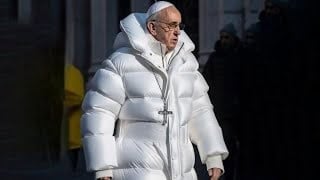
But if AI can create in seconds what once took masters years, how long does it take to generate an AI image?
And does that difference even matter when you compare seconds to centuries?
In this blog, we’ll break down what AI image generation is, the average generation times across popular tools, why speeds vary so widely, and the key factors that affect how quickly your image appears.
You’ll also discover practical tips to speed up AI generation, how professionals optimize workflows, and how AI detection tools can verify images even faster than they’re created.
Let’s dive in.
Key Takeaways
- AI images usually take 1–60 seconds to generate, with most professional tools averaging 10–30 seconds per image.
- Real-time tools can create images in under 1 second, while artistic platforms like Midjourney take 30–60 seconds for higher-quality results.
- Higher resolution slows generation, adding 70–80% more time.
- Hardware matters: an RTX 4090 can make ~75 images per minute, while an RTX 3060 takes 10–15 seconds per image.
- Complex prompts with multiple subjects or details can add 30–50% extra time.
- Speed has improved 120× since 2022, from 60–90 seconds per image to under 1 second on the fastest tools.
What Is AI Image Generation?
AI image generation means creating new images from text prompts, random noise, or other inputs. Generation is different from editing.
In editing, we start with an existing image and tweak its certain elements while keeping the original intact.
- For example: you take a photo and make adjustments like changing a car’s color from red to blue, while preserving the base image. AI Image Generators like Photoshop’s AI tools and Google’s Gemini 2.5 Flash Image specialize in these edits.
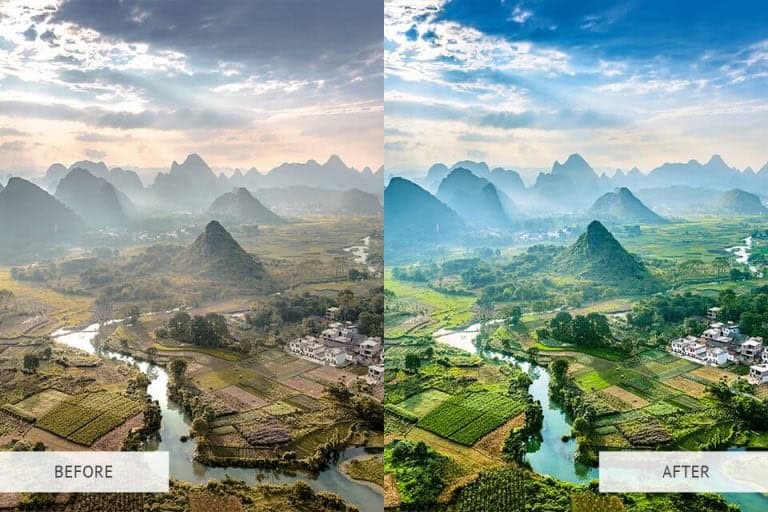
In image generation, we build visuals from scratch.


Never Worry About AI Detecting Your Texts Again. Undetectable AI Can Help You:
- Make your AI assisted writing appear human-like.
- Bypass all major AI detection tools with just one click.
- Use AI safely and confidently in school and work.
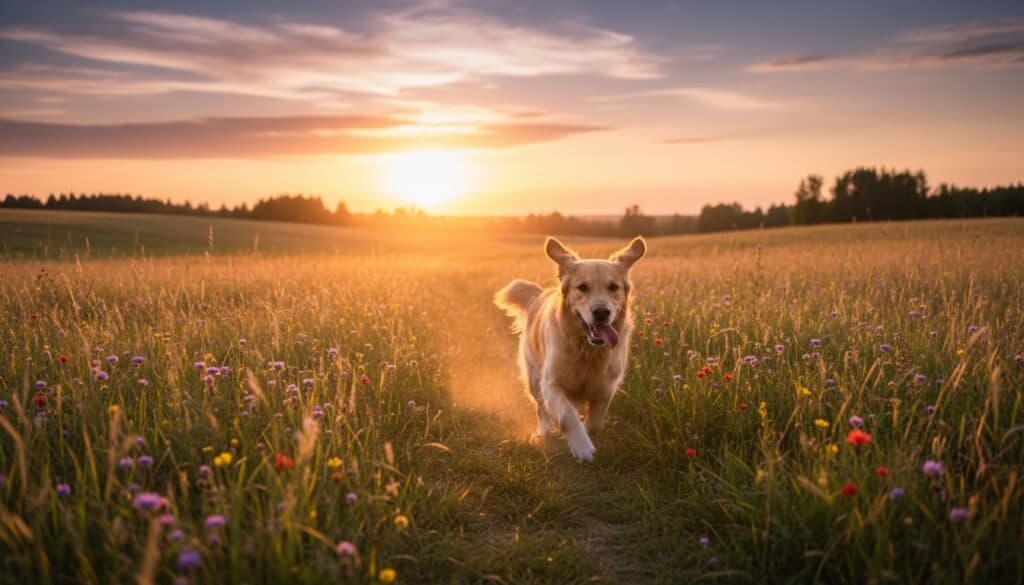
- For example: if you ask an AI to generate “a golden retriever running through a meadow at sunset” it constructs the entire scene from nothing. Tools like DALL-E, Midjourney, and Nano Banana focus on this type of original content creation.
How Long Does It Take to Generate an AI Image?
AI image generation tools take anywhere from under 1-60 seconds to create a single image, depending on the tool, settings, and resolution.
- Average Generation Times
The latest AI image tools are much faster than a few years ago.
Most professional platforms produce standard 1024×1024 images in 5–30 seconds, a huge improvement over 2022–2023 when even basic images often required 60–90 seconds.
Real-world testing from 2024–2025 show:
| Category | Tool/Example | Time per Image | Notes |
| Real-time Generation | FLUX Schnell, SDXL-Lightning | 0.5–1 sec | Interactive workflow; see results almost instantly |
| Fast Professional Tools | Stable Diffusion variants, Google Imagen 4 Fast | 2–7 sec | Balanced speed and quality |
| High-Fidelity Platforms | DALL-E 3, Leonardo.ai | 10–20 sec | Focus on prompt adherence and polished visuals |
| Artistic Leaders | Midjourney | 30–60 sec (4 variations) | Generates four images simultaneously. ~7–15 sec per image effectively |
| Cloud Services | Any tool | +2–5 sec latency | Eliminates hardware requirements, slight network delay |
- Why Speed Varies
AI Image Generation speed varies due to 3 main factors.
- Model Type / Architecture
Different AI models generate images in different ways, which directly affects how fast they work.
| Model Type / Architecture | How It Works | Speed / Steps |
| Diffusion Models (Midjourney, DALL-E, Stable Diffusion) | “Clean up” random noise step by step to form a complete image | 20–50 steps. 50 steps ≈ 2.5× longer than 20 steps |
| Single-Step Models (SDXL Turbo) | Use distillation to produce similar quality in fewer steps | 1–4 steps. 30–40× faster than diffusion models |
| GANs (StyleGAN) | Generate images directly using adversarial networks | Extremely fast: 0.1–0.3 seconds per image. Limited to specific domains like faces |
| Hybrid Systems (FLUX) | Combine transformer-based text understanding with optimized diffusion | Faster and more accurate than standard diffusion |
- Model Size
The size of an AI model affects how fast it can create images. Bigger models, like SDXL, have more “brainpower” (2.6 billion parameters) and can make more detailed and accurate images, but they take longer to process than smaller models with fewer parameters (like 890 million).
- Text Understanding / Encoders
Some advanced models, like SDXL, use extra language understanding tools to better grasp complex prompts.
This adds a little extra time, but it helps the AI generate images that match your description more accurately.
Factors That Affect AI Image Generation Speed
AI image generation speed depends on several factors. Let’s explore how different tools perform in real-world scenarios.
- 1. The AI Model You’re Using
Different AI platforms vary widely in speed and style.
- Midjourney has evolved through seven versions.
- Version 7 (June 2025) generates images in 21–42 seconds, about 20–40% faster than version 6. It produces four variations per prompt.
- Version 7 (June 2025) generates images in 21–42 seconds, about 20–40% faster than version 6. It produces four variations per prompt.
- DALL-E 2 and 3 operate entirely through the cloud.
- DALL-E 2 generated images in 12 seconds when released
- DALL-E 3 averages 10–20 seconds, with complex prompts sometimes taking up to 45 seconds or more during peak usage.
- Stable Diffusion brought open-source local generation.
- Leonardo.ai is built on Stable Diffusion for rapid prototyping, game assets, and product visualization, with standard generation at 10–20 seconds.
- Leonardo.ai is built on Stable Diffusion for rapid prototyping, game assets, and product visualization, with standard generation at 10–20 seconds.
- Adobe Firefly focuses on commercial safety.
- Image Model 5 (October 2025) generates images in 10–25 seconds depending on mode and resolution.
- Image Model 5 (October 2025) generates images in 10–25 seconds depending on mode and resolution.
- Nano Banana (Gemini 2.5) is specialized for editing rather than full generation.
- Simple edits happen in milliseconds, with complex multi-image edits taking 2–5 seconds.
- 2. Prompt Complexity
The level of detail in your prompt directly affects how long does it take to generate ai art image.
Example:
- Longer prompts take more time. Every extra 10 words adds 5–8% more processing time. Complex scenes with many subjects or styles can take 30–50% longer than simple prompts.
- Clear, direct prompts are faster. Short descriptions like “mountain landscape at sunset” generate quicker than long, conversational requests.
- Abstract or vague prompts slow the model down. A prompt like “the feeling of nostalgia expressed through urban architecture” requires more interpretation. Concrete prompts render faster.
- Negative prompts add extra processing. Instructions like “no blur, no distortion” add 5–10% extra time because the AI must filter out unwanted elements.
- 3. Resolution and Quality Settings
Higher resolution = slower image generation. That’s because bigger images have way more pixels, and the AI has to work harder to fill in every detail.
When people ask how long does it take to generate an AI image, resolution is one of the biggest factors.
- Going from 512×512 to 1024×1024 means 4× more pixels, which can slow things down by 70–80%.
- A model (like FLUX.1 Dev) that needs 5 seconds at 512×512 may take 20 seconds at 1024×1024.
- A model (like FLUX.1 Dev) that needs 5 seconds at 512×512 may take 20 seconds at 1024×1024.
- Bigger jumps slow things even more. 1024×1024 → 1920×1080 (Full HD) almost doubles the time.
- 4K images often take 4 minutes or more and may even look worse if your GPU is struggling.
Best Practice
| For most work | For social media | For print |
| 1024×1024 or 1920×1080 is the ideal balance. | 1024×1024 is more than enough. | Generate at Full HD, then upscale later (Topaz, Let’s Enhance). It’s faster and looks better than generating in native 4K. |
- 4. Hardware and Compute Power
AI image generation depends mostly on your GPU. A stronger GPU = faster images.
GPU Performance Overview
| Hardware | Speed | Notes |
| RTX 4090 (24GB) | ~75 images/min | One of the fastest consumer GPUs |
| RTX 3060 (12GB) | 10–15 sec/image | Good entry-level option |
Example:
- RTX 4090 can finish a 512×512 image in under 1 second, while an RTX 3060 may take 10 seconds for the same job.
Other Hardware Factors (Quick View)
| Component | Impact | What It Means |
| CPU | Low | Any modern CPU works; GPU does the heavy lifting. |
| RAM | Medium | Use twice your GPU VRAM (e.g., 24GB GPU → 48GB RAM ideal). |
| Storage | Low | NVMe SSDs load models faster but don’t speed up generation. |
Local vs Cloud (Simple)
| Option | Strength | Weakness |
| Local GPU | Fast, private, no monthly cost | Expensive upfront |
| Cloud | No hardware needed | More expensive long-term |
Example:
- Midjourney on cloud: 10–30 seconds/image
- Local RTX 4090: 1–5 seconds/image
Bonus: If you want to check whether an image was made by AI (no matter the model, speed, or settings), use a reliable AI image detector.
These tools analyze patterns, textures, and inconsistencies to estimate whether the image is human-made or AI-generated.
TruthScan specializes in detecting these hidden AI fingerprints.
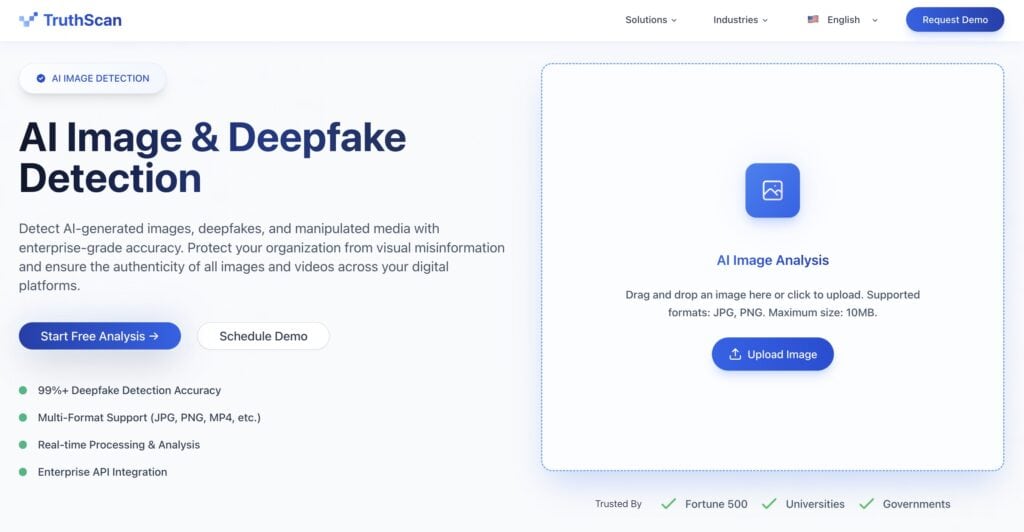
It analyzes:
- Structural patterns
- Noise distribution
- Generative model signatures to provide a clear, confidence-based result.
How Long Professional Users Wait for Image Generation
Again, how long does it take for AI to generate an image depends on their level of image generation and which tool they are using.
Let’s look at some scenarios here.
- If a user is doing low-resolution (512×512) drafts on a high-end GPU (RTX 4090) with low inference steps, then generation takes 5–10 seconds.
- If a user is producing production-quality 1024×1024 images, then expect 10–30 seconds per image.
- If a user is creating high-detail images with multiple inputs, upscaling, or refinement passes, then generation can take 2–5 minutes.
- If using cloud priority access (e.g., ChatGPT Plus), then wait times reduce to 10–30 seconds. Free-tier users may face 30–60 seconds during peak hours.
- If doing low-step drafts (20–30), then generation is fast; high-step finals (50+) for quality.
- If starting at lower resolution and upscaling later, then workflow is faster and more efficient.
- If using caching techniques (DeepCache / vector databases), then GPU compute can drop 20–30%.
For businesses creating lots of images, TruthScan is a great tool. This is useful for keeping your brand, marketing, or product images accurate and trustworthy.
Using TruthScan saves time, avoids mistakes, and makes it easy to manage many images at once.
If you want all or any of these benefits, use TruthScan for immediate, accurate and bulk AI image detection.
How to Speed Up AI Image Generation
Wondering how long does it take to generate an AI image and want to make it faster?
You can speed up AI image generation in 3 main ways.
You can use all three together or start with the one that fits your workflow best:
- Use Bulk Image Generation Tools
- Tools like ComfyUI, Automatic1111, RunPod, or Baseten let you generate 100+ images at once.
- Tools like ComfyUI, Automatic1111, RunPod, or Baseten let you generate 100+ images at once.
- Upgrade Your Hardware
- Faster GPUs dramatically reduce generation time.
- Faster GPUs dramatically reduce generation time.
- Optimize Generation Settings
- Start with lower resolution (512×512 or 768×768) for initial drafts, then upscale with tools like SwinIR or Topaz Gigapixel instead of generating high-resolution directly.
Beyond hardware and settings, the efficiency of your text input is the most overlooked factor in image generation speed.
You can use our Undetectable AI’s Prompt Generator to develop precise descriptions that help you get high-quality AI images faster by eliminating the ambiguity that slows down AI models.

How Long Does It Take AI Tools to Detect Images?
Typical AI detection tools take 2–10 seconds per image because they scan textures, patterns, metadata, and AI artifacts. Large files, complex visuals, or video frames slow this down further.
TruthScan, however, is designed for speed and efficiency:
- Faster processing: It analyzes images in under 500 milliseconds per item, reducing time by 70–80% compared to typical tools.
- Real-time detection: Works across images, videos, and text, making it practical for live workflows or large-scale media verification.
- High accuracy: The image detector achieves 99%+ detection rate, with some follow-up testing showing 96%+ accuracy in distinguishing AI-generated content.
- Automated integration: TruthScan’s API allows enterprises to scan large batches automatically, enabling instant verification during content pipelines.
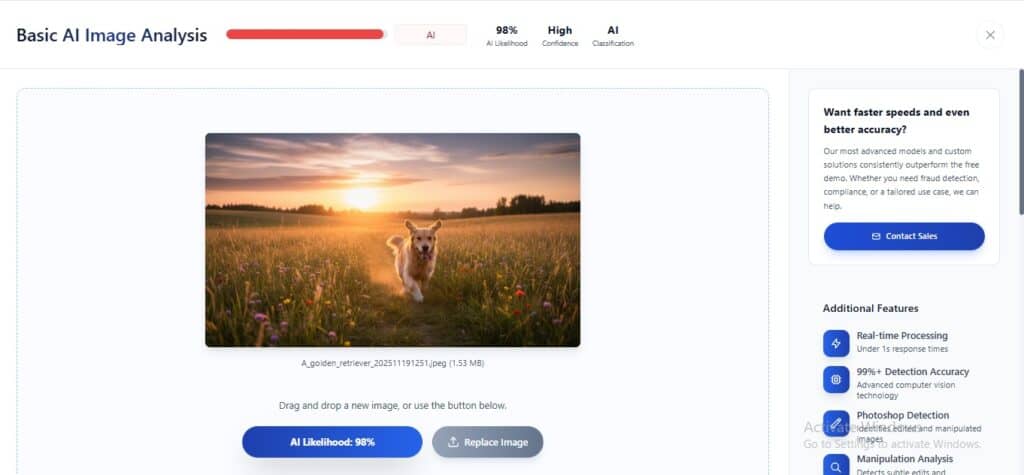
Example:
- A marketing team uploading 500 product images can verify all in under 5 minutes with TruthScan, whereas standard tools might take 30–60 minutes.
- For video content, TruthScan can scan frames in real-time, making it suitable for live streams or user-generated video content moderation.
Start refining your text with our AI Detector and Humanizer below!
Conclusion
AI image generation has never been this fast or easy.
Today, how long does it take to generate an image AI ranges from under a second to about a minute for a high-quality, artistic creation.
How fast it happens depends on the resolution you choose, your hardware, and how detailed your prompt is, but even complex scenes can appear in seconds with the right setup.
Just a few years ago, this would have taken minutes or longer, but now professionals and hobbyists alike can bring ideas to life almost instantly.
If you’re working in digital media, content creation, or marketing and want to know whether an image was AI-generated, you can use TruthScan.
It quickly verifies if an image is AI-generated… fast, accurate, and reliable for all your projects.