
Are you an aspiring content creator who’s just starting out on YouTube?
Perhaps you just posted your first video and felt that exciting rush of possibility…only to try searching for it later and it being nowhere to be found.
Meanwhile, you see reviews, explainers, and tutorials pop up instantly when you enter a search term.
If you’ve been wondering how to make a YouTube video more searchable, the answer isn’t luck or even following viral trends. It’s getting to know YouTube Search.
Let’s take a closer look at the process here. Once you know what YouTube looks for, there won’t be any more second-guessing, and you’ll be able to post your videos with confidence.
Let’s dive in.
Key Takeaways
- To make your YouTube video more searchable, focus on the text elements, such as optimizing your titles, descriptions, tags, captions, and transcripts, while also using playlists, cards, and end screens to keep viewers engaged.
- YouTube Search works like a search engine, which ranks videos based on signals like relevance and watch time to connect users with the most relevant content.
- After publishing a YouTube video, monitor your analytics to identify ways to refine your posting strategy, such as updating your titles, descriptions, and content to improve discoverability over time.
Understanding How YouTube Search Works
A lot of people don’t realize it, but YouTube is actually a search engine platform. In fact, it’s the second-largest search engine, only after Google.
Every minute, more than 500 hours of video content are uploaded, making it a challenge to stand out.
With so much content, YouTube needs a way to decide what videos show up first, and that’s through its search algorithm.


Never Worry About AI Detecting Your Texts Again. Undetectable AI Can Help You:
- Make your AI assisted writing appear human-like.
- Bypass all major AI detection tools with just one click.
- Use AI safely and confidently in school and work.
YouTube Search matches videos to what users type in the search bar. It analyzes signals from videos and viewer behavior to determine which results feel most relevant.
If your content aligns well with the signals, it has a better chance of being found.
How YouTube Ranks Videos
YouTube doesn’t rank its videos randomly. It uses its own system to decide which videos appear in search results and recommendations.
Here are some of the factors that influence YouTube video ranking:
- Relevance: YouTube looks at how well your title, description, and tags match a search query.
- Watch time: Videos that keep viewers watching longer tend to perform better.
- Engagement: Likes, comments, and shares show that people find the video useful or interesting.
- Freshness: For some searches, newer videos may get a boost.
Remember that when ranking, YouTube tends to reward videos that serve its viewers well rather than those that rely too much on tricks and shortcuts.
Importance of Keywords
Keywords are the words that users type into YouTube Search when looking for a video. In the context of YouTube, the keywords you use should describe your video at a glance.
You can place them in your video title, description, tags, and even your spoken audio through captions.
Optimizing your video with YouTube keywords is similar to writing articles, where keyword density and placement help search engines interpret content. On YouTube, stuffing keywords doesn’t work. Clear, natural use matters more.
Good keyword use connects your video to the right audience and supports long-term visibility.
Optimizing Titles, Descriptions, and Tags
When you upload a video on YouTube, you’re required to enter your title, video description, and tags.
To quickly define each: the title is your video’s headliner, the description provides context, and tags (hidden metadata for SEO) confirm the topic of your video through related keywords, variations, and common search phrases.
Here are practical ways to improve your YouTube video’s title, description, and tags:
- Write clear, searchable titles: Put your main keyword in the title itself and keep it readable. While catchy titles get users curious, avoid clickbait that doesn’t align with the video.
- Use a video description to clarify: Open with a sentence that explains exactly what the video covers. Then expand it with details, related terms, timestamps, or links. YouTube and viewers can then understand the value even before playing the video.
- Add relevant tags: Tags should reinforce context. Use your main keyword, close variations, and related phrases people might search for. Don’t forget long-tail keywords that home in on specifics.
When these elements work together, your video becomes more searchable and trustworthy.
Using Captions, Transcripts, and Subtitles Effectively
Besides solid video editing, YouTube also requires text components like captions, transcripts, and subtitles to make your video more accessible and discoverable.
Closed Captions for Indexing
Closed captions display spoken words and describe important sounds like music, sound effects, or verbalized sounds. But unlike text embedded in the video itself, these captions are readable by YouTube.
This process is called indexing, in which YouTube “reads” captions to categorize your content and match it to search queries.
To caption effectively, make sure your text matches the audio precisely, includes important keywords naturally, and is readable on screen.
Videos with accurate captions are easier for viewers to find and often keep people watching longer, which can improve your rankings.
Transcripts for Repurposing
A transcript is a written version of everything said in a video. It’s useful for boosting search visibility because it adds more searchable text for YouTube and other platforms.
You can also repurpose transcripts into blog posts, social media snippets, or newsletters, or even turn them into short-form clips using the best AI shorts generator.
Transcribing manually, however, can take hours. A YouTube transcript tool makes quick work of it, letting you turn your videos into searchable content without the hassle.
Subtitles for Accessibility
Subtitles display the spoken words in your video, either in the same language or translated for other viewers. Unlike closed captions, they usually don’t include non-speech sounds like [applause] or [door creaks].
Using both closed captions and subtitles ensures that your videos are fully accessible while also giving YouTube more text to index.
Adding subtitles to your videos makes them accessible to people who are deaf, hard of hearing, non-native speakers, and even those who simply prefer to read.
To be precise, follow the Americans with Disabilities Act (ADA) guidelines.
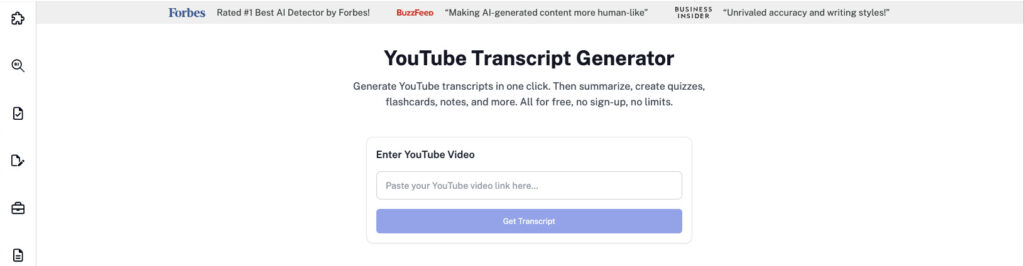
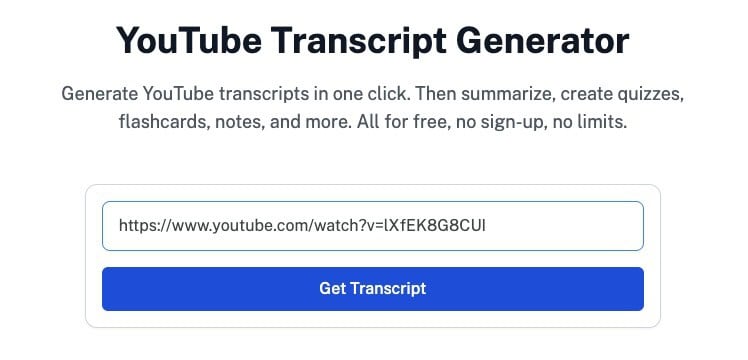
Significantly reduce the *very tiring* manual work of transcribing YouTube videos using the free Undetectable AI’s YouTube Transcript Generator.
Just paste the YouTube link, and the tool generates a full transcript that you can download later.
You can also turn long videos into short summaries, so you replace hours of watching with minutes of reading.
For learning, you can generate flashcards and quizzes from the main points, which helps with recall and self-testing. It also produces digestible notes with clear bullet takeaways.
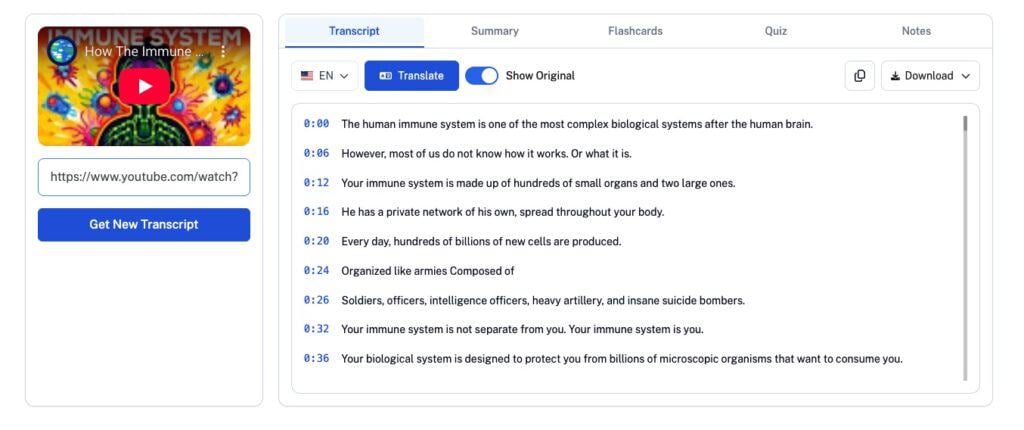
For content creators, this makes it easy to transcribe your videos, then reuse the text for summaries, blog posts, or social content within seconds.
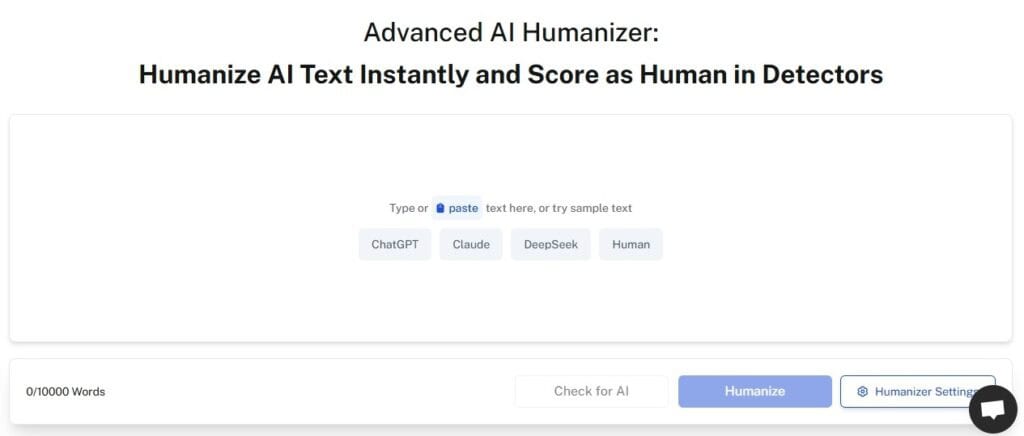
Once you’ve created your texts, use the free Undetectable AI’s AI Humanizer to polish the wording so it sounds natural. It smooths stiff phrasing, improves flow, and keeps your video text clear, making it easier to read, follow, and trust.
Leveraging Playlists, Cards, and End Screens
Making your YouTube video searchable doesn’t end once it’s published. YouTube’s search algorithm also pays attention to what the viewers do next. Playlists, cards, and end screens help guide them.
Here’s what each does:
- Playlists: Let you group related videos in one place, working like a queue. When one video finishes, the next starts right away, increasing watchability.
- Cards: Small prompts that pop up during a video. You can use them to point viewers to another video or a playlist when it makes sense in the moment.
- End screens: Appear in the final seconds of a video. They give viewers options to keep watching, subscribe, or explore more of your content rather than clicking away.
Consider these ways to use leverage playlists, cards, and end screens on YouTube effectively:
- Build playlists focused on one topic.
- Add new videos to relevant playlists soon after.
- Link cards to videos that naturally extend the topic.
- Place cards where viewers might want extra detail.
- Use end screens to highlight your best or most related videos.
When used well, these tools help viewers stick around and show the platform that your channel is worth surfacing more often.
Monitoring Analytics and Refining Strategy
The real insights finally come once your video’s live. To see how it’s performing, check YouTube Analytics.
YouTube Analytics opens up a wide range of metrics you can dig into, letting you focus on the numbers that matter most to you. Monitoring your video’s analytics explains why a video appears in search results or why it struggles to get noticed.
Analytics also gives you a chance to refine your posting strategy. Based on what you’ve learned, you can adjust a title, rewrite a description, or change how you structure future videos.
Over time, these small tweaks add up and help your content better align with how YouTube Search works.
While there’s no definitive solution, these tips for monitoring and refining videos on YouTube give you a strong head start:
- Impressions: See how often YouTube shows your video in search or recommendations.
- Click-through rate (CTR): Check how many people click after seeing your title and thumbnail.
- Watch time: Measure how long viewers stay before they click away.
- Audience retention: Find exact moments where viewers lose interest.
- Traffic sources: Identify how much traffic comes from YouTube Search versus other areas.
- Older videos: Filter by date, views, or watch time to spot older videos that still get traffic and may benefit from updated titles or descriptions.
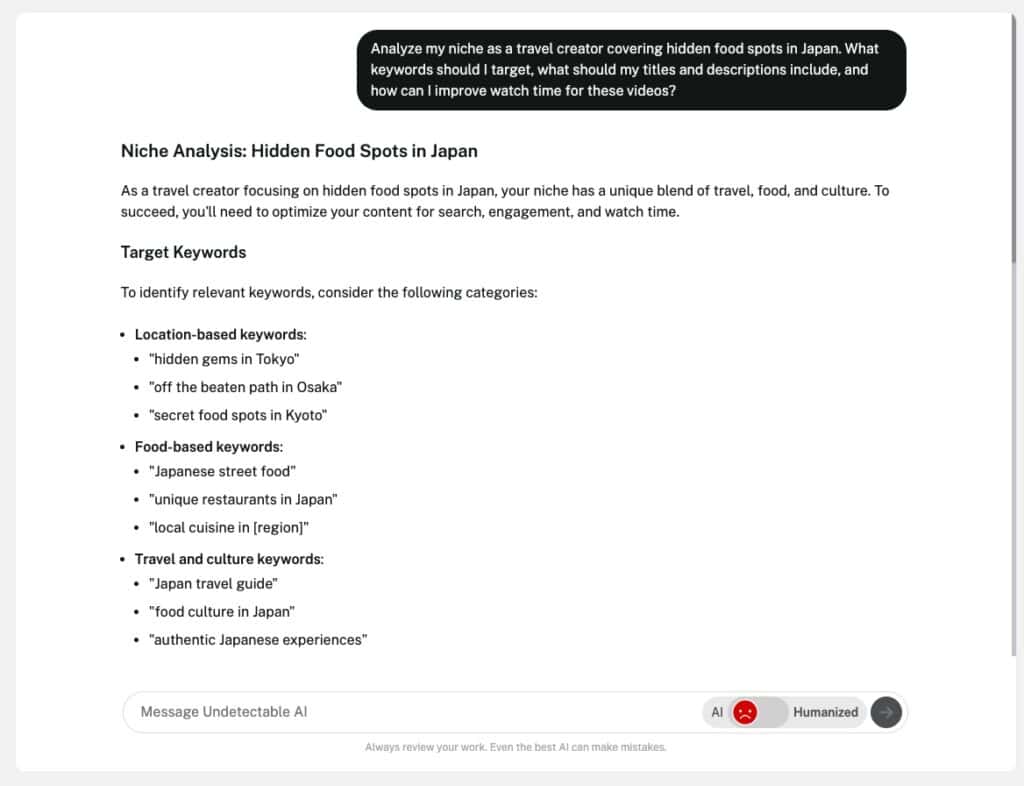
Unsure where to start with video ideas or research? Undetectable AI’s AI Chat gives you answers and suggestions fast, no matter how specific they are.
Our free chat tool brainstorms topics, titles, and descriptions with minimal effort.
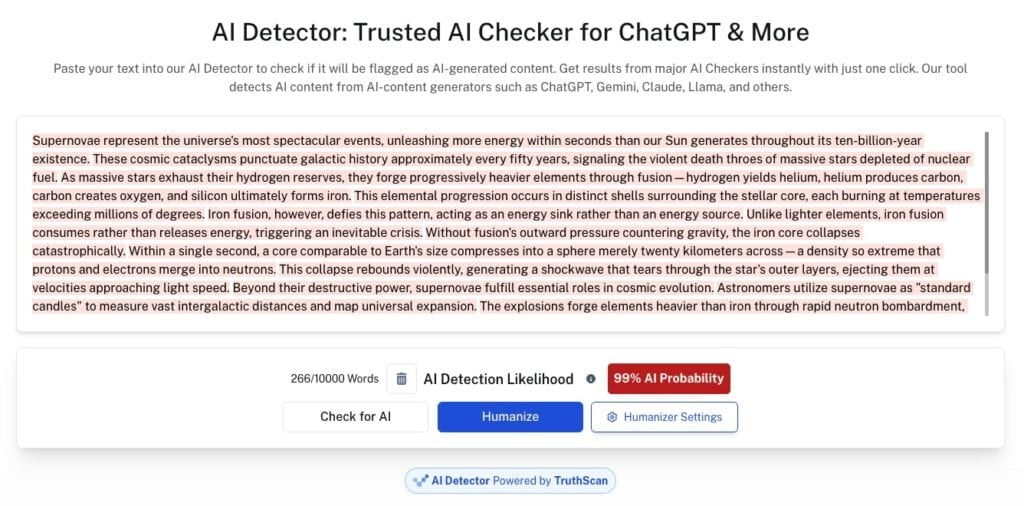
After getting your titles, descriptions, and research ideas in place, use the Undetectable AI Detector to check for accuracy and ensure they’re authentic.
The detector flags mechanical or overly formulaic text so you can revise for credibility and a natural tone before publishing.
FAQs
How do I turn a YouTube video into a blog post?
You can turn a YouTube video into a blog post by transcribing its spoken content. From there, clean it up, add some structure, and expand its key points.
Using our YouTube transcript tool speeds this up by giving you an accurate transcript you can turn into a blog post right away.
How many views do you need to make $10,000 a month on YouTube?
There’s no exact number, since YouTube pays differently depending on niche, audience, and monetized views. But if your RPM (revenue per 1,000 monetized views) ranges roughly from $1 to $10+, you might need about 2-10 million monetized views per month to make around $10,000 from ad revenue alone. More niche topics like finance or tech can lower that view target.
It’s Time to Step Up: Make Your Video Searchable on YouTube
Making your YouTube videos more searchable takes lots of time and effort.
Optimizing your videos’ titles, descriptions, and tags, using captions and transcripts, and organizing playlists all help your content reach viewers.
All this work can feel overwhelming, but you don’t have to do it alone.
Undetectable AI offers advanced tools to polish your captions, generate transcripts, refine titles, and ensure your content is credible and always at its best.
Save time, improve your reach, and make your videos easier to find.
Try Undetectable AI for free today and make every video count.