
Content creation has never been faster, smarter, or more scalable. Whether it is written, visual, video, or audio, generative AI tools are helping businesses and individuals bring ideas to life with a single click.
In fact, with almost half of marketers now considering content creation the most popular use case for AI, the hunt for the “perfect” platform is on. That brings us to DeepAI.
It is a versatile toolkit designed for everything from generating a quick blog post to synthesizing digital art.
But does it actually live up to the hype? Or is it just another drop in the crowded AI ocean?
Let’s dive in!
Key Takeaways
- DeepAI is the ultimate beginner’s tool because it is incredibly intuitive and requires zero technical skill to get started.
- The pricing is highly accessible with a Pro plan that is one of the most affordable ways to access high-volume generation.
- Genius Mode makes a huge difference for users who want detailed art or smarter chat, as you have to pay for the “Genius” upgrade to see real quality.
- It lacks professional polish in many areas, often falling behind specialized competitors when it comes to high-resolution outputs.
- Best for hobbyists and solo creators who need “good enough” content quickly without a steep learning curve.
What is DeepAI? How Does It Work?
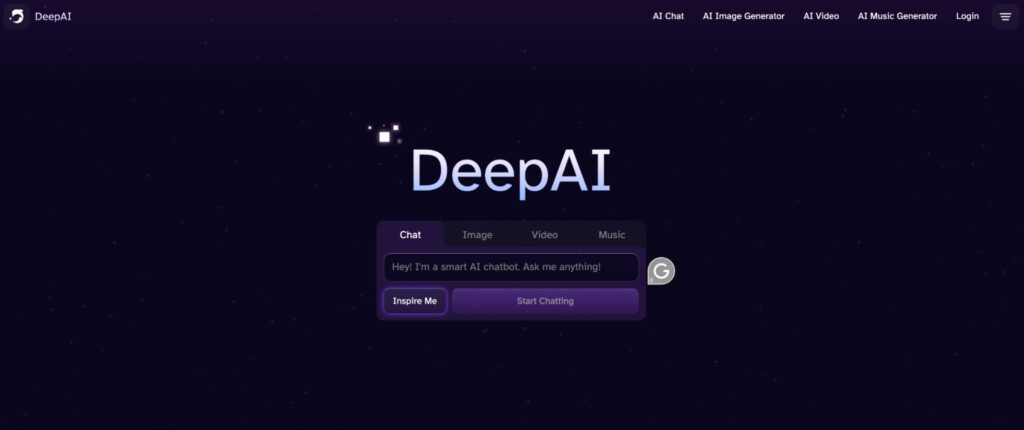
Launched with the mission of democratizing artificial intelligence, DeepAI is built for speed and accessibility. It doesn’t ask you to learn complex prompt engineering or navigate a cluttered Discord server.
You just pick a tool, type what you want, and hit “Generate.”
DeepAI operates as a comprehensive ecosystem that utilizes various neural network models to process different types of media.


Never Worry About AI Detecting Your Texts Again. Undetectable AI Can Help You:
- Make your AI assisted writing appear human-like.
- Bypass all major AI detection tools with just one click.
- Use AI safely and confidently in school and work.
For example, its text generation uses large language models (LLMs) to predict and synthesize responses, while its image tools use generative adversarial networks (GANs) and diffusion models to turn text into pixels.
The platform is designed to be a “one-stop-shop” where you can jump from the AI Chat to the Image Generator without leaving the page.
It also offers a suite of APIs for developers, allowing businesses to integrate AI directly into their own apps for things like image colorization or background removal.
This makes it a powerful resource for those who want to experiment with AI’s potential across multiple creative fronts simultaneously.
Pricing Breakdown
DeepAI is famously affordable, which is a major reason for its massive user base.
However, the way it handles credits and access can be a bit tricky depending on how much you generate.
- The Free Plan: This is an ad-supported tier that lets you “test the tires.” You can use basic tools for free, but your images are public, and you don’t get access to the high-performance models. It’s perfect for a quick one-off project but lacks privacy.
- DeepAI Pro ($4.99/month): This is the “sweet spot” for most users. For less than five dollars, you get 500 AI images per month, 1,750 AI Chat messages, and 60 Genius Mode credits. Just keep in mind that these credits do not roll over—if you don’t use them by the end of the month, they vanish.
- Pay-as-you-go ($5.00 bundles): If you hate monthly subscriptions, you can buy credit bundles. Unlike the Pro plan, these never expire. This is ideal for the occasional creator who might need to generate 100 images this week but nothing else for the rest of the year.
- API Pricing: For developers, DeepAI charges based on calls. Pro subscribers get a discounted rate ($5 per 500 calls), while standard users pay $5 per 100 calls.
Key Features & Quick Review
DeepAI packs a lot into a single interface, making it a “one-stop-shop” for creators who don’t want to manage five different subscriptions.
According to the latest industry reviews, here are the core tools that define the platform:
- AI Chat & Characters More than just a standard chatbot, this feature includes “personalities” like a Math AI for solving equations, a Relationship Coach, and even a Billionaire Entrepreneur for business advice.
- AI Image Generator This is the platform’s bread and butter. You can choose from over 100 styles—ranging from “Fantasy World” to “Steampunk”—and generate visuals in seconds. For higher detail, you can toggle on Genius Mode.
- AI Video & Music While still in the “lightweight” stage, these tools allow you to animate static images or generate royalty-free background tracks for podcasts and social clips.
- Advanced Image Editing DeepAI offers several utility APIs, including Super Resolution for upscaling blurry photos, a Colorizer for bringing old black-and-white family photos to life, and a highly effective Background Remover.
If you’re looking for a simple way to dip your toes into artificial intelligence, DeepAI is a solid entry point. It’s built for speed and affordability, but it isn’t without its quirks.
Recent user feedback highlights that while the platform offers extreme accessibility—allowing you to generate images or chat without even creating an account—the output quality can be inconsistent.
While Genius Mode helps, the standard models can sometimes produce “glitchy” images or generic text that lacks depth.
Furthermore, the budget-friendly $4.99/month Pro plan offers massive value, but a major sticking point for users is that monthly credits do not roll over. If you don’t use them, you lose them, which can feel like wasted money.
Overall, with a Final Grade of 8/10, it is the perfect “Swiss Army Knife” for hobbyists and students, but professional designers may still want a specialist tool for their final high-resolution work.
DeepAI vs. Undetectable AI: Which One Wins?
While DeepAI is a fantastic “all-in-one” generator, it often struggles when it comes to the final, professional polish of written content. This is where Undetectable AI clearly takes the lead.
| Feature | DeepAI | Undetectable AI |
| Content Quality | Good for fast drafts, but can sound repetitive. | High-level, human-like prose that flows naturally. |
| Detection Proof | Often flags as 100% AI on most scanners. | Guaranteed to bypass even the most advanced AI detectors. |
| Stylistic Control | Limited to basic “Genius” or “Standard” modes. | Uses a Writing Style Replicator to match your exact voice. |
| SEO Optimization | Very basic keyword inclusion. | Advanced AI SEO Writer for top-tier rankings. |
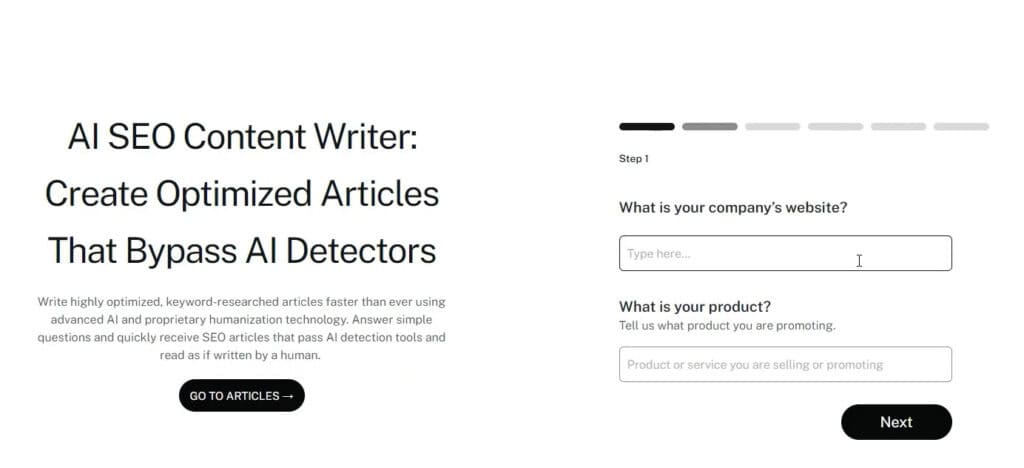
The Verdict: DeepAI is great for making a “thing” quickly, but Undetectable AI is the winner for anyone who needs their content to actually perform in the real world.
If you want your writing to be taken seriously by readers (and Google), you need the authenticity that only Undetectable AI provides.
Dos and Don’ts for DeepAI Users
| Dos | Don’ts |
| Do: Use “Genius Mode” for anything you plan to publish. The jump in quality is worth the extra credit. | Don’t: Expect DeepAI to get fingers or text in images right every time; it still has “AI glitches.” |
| Do: Be specific with your prompts. “A moody cat in a raincoat” works better than just “a cat.” | Don’t: Share sensitive personal info with the chatbot, as privacy is limited on the free tier. |
| Do: Use the AI Paraphrasing Tool to give DeepAI’s raw text a more persuasive or professional tone. | Don’t: Rely on the AI for 100% factual accuracy, as it can still “hallucinate” dates or names. |
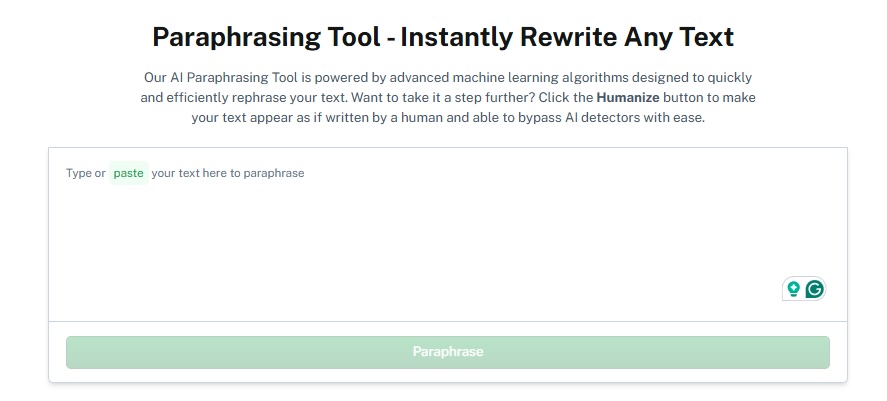
Start using our AI Detector and Humanizer in the widget below!
FAQs
Is DeepAI free to use?
Yes, but the free version has ads and lower-quality models. You’ll need the Pro plan for HD images and “Genius Mode.”
What is “Genius Mode”?
It’s an upgraded version of the AI that is better at following complex instructions and creating more detailed, realistic art.
Can I use DeepAI for commercial projects?
Yes. DeepAI generally grants users ownership of the content they generate, making it safe for marketing and business use.
Final Thoughts
DeepAI isn’t trying to be the most powerful tool on the planet—it’s trying to be the most useful. It’s fast, incredibly cheap, and covers almost every creative base from text to music.
If you’re a beginner looking to experiment with AI without breaking the bank, this is a solid starting point for getting your ideas onto the page.
However, if you want your content to be truly undetectable and professionally polished, DeepAI is just the first step. Because its outputs often flag as 100% AI, you still need a tool that can refine that raw data into something that feels authentic.
Want to make your AI-generated work sound more natural? Use Undetectable AI to polish your content and make it truly your own.