Technical documentation often has a reputation for being boring and confusing, and that is because most writers lack the basic knowledge of its fundamentals.
This is the year 2026, and good documentation is not only nice to have but also a necessity. It is what makes you stand out among others in your line of business.
It is important that you know how to write great documentation, be it for software development, product delivery, or simply onboarding the new employee.
Continue reading to gain more knowledge on the seven practical steps that will make your documentation better in 2026.
Let’s dive in.
Key Takeaways
- A consistent tone builds trust and professionalism
- User feedback makes your documents more useful
- Accessibility and SEO are non-negotiable
- It is important to have a clear structure
What is Technical Documentation
Technical documentation is any written content that explains how something works. It is a piece of writing that describes the application, purpose, creation, or architecture of a product or service.
Its goal is to explain something an organization offers.
This document provides instructions on:


Never Worry About AI Detecting Your Texts Again. Undetectable AI Can Help You:
- Make your AI assisted writing appear human-like.
- Bypass all major AI detection tools with just one click.
- Use AI safely and confidently in school and work.
- How to use
- How to build
- How to fix
Technical documentation is similar to user manuals, API documentation, onboarding documentation, and system architecture documentation.
A good technical documentation example is an API guide by a developer that will guide you on how to authenticate, use endpoints, and handle errors.
There are different types of technical documents, and each type is intended for a certain audience. For instance, technical design documentation for engineers is a blueprint that shows the architecture, components, and strategy for a project to onboard the engineering team.
Writing technical documents is the job of a technical writer, a project manager, a member of a development team, or basically anyone who has knowledge of a particular product or service.
So if you are a technical documentation writer, your job is to break down complex systems into understandable sentences for the intended audience
So, the goal of technical documentation is simple. It just helps people understand something without frustrating them.

The following are the best practices for technical documentation:
- Structuring Documents For Maximum Clarity
You know when you open up a document, and all you can see is a block of text. Very frustrating, right? No one desires to read a text that appears as a huge block of text. It is the quickest method of making a person lose interest.
So when it comes to technical documents, structure is everything. It reduces cognitive overload, ensuring your reader does not take too long to “figure out” your document.
The following are ways to structure documents for maximum clarity:
Use Headings, Bullets, and Tables
Headings act as a guide to show the direction of a document. They are like a GPS that allows a reader to scan a document, locate what they require, and jump to the page.
You may also use bullet points and tables besides headings in order to make it easier.
In case of headings, H1 is used as the main title, H2 as main sections, and H3 as sub-topics. When enumerating steps, features, and requirements, bullet points are used.
It eases the burden of skimming and scanning. Tables work best when you are trying to make comparisons or present data side by side.
Include Diagrams and Visuals
When it comes to technical documents, a picture is really worth a thousand words. Three paragraphs of explanations could be substituted by a simple diagram.
A complex process can be described in a few seconds with the help of flowcharts, architecture diagrams, wireframes, and screenshots.
As an example, visuals are compulsory when you are preparing technical design documentation. With the assistance of numerous tools, you can create clean, professional diagrams, without a designer.
Keep Paragraphs Concise and Focused
Paragraphs matter a lot when trying to have a structured document. So, if you find yourself combining three different concepts into a simple paragraph, break it up. You should have only one idea per paragraph.
The fewer the words in a paragraph, the more convenient it becomes to read on the screen, translate, and edit. There is also no need for long sentences; you just need 3 to 5 sentences per paragraph.
- Ensuring Consistent Writing Style Across Docs
Consistency is the best way to get things done. It is extremely bizarre to open two files of the same product and think that they were authored by entirely different individuals.
Uneven tone, language, and structure make your documentation difficult to read and unprofessional.
The way to solve inconsistency is to have a dedicated writing style guide. It gives you direction on the brand tone you want to put forward.
It helps you decide upfront on things like:
- Using active or passive voice
- Using American or British English
- Using ‘you’ or ‘the user’ ’
Once you have your style guide, everyone on the documentation team needs to follow it.
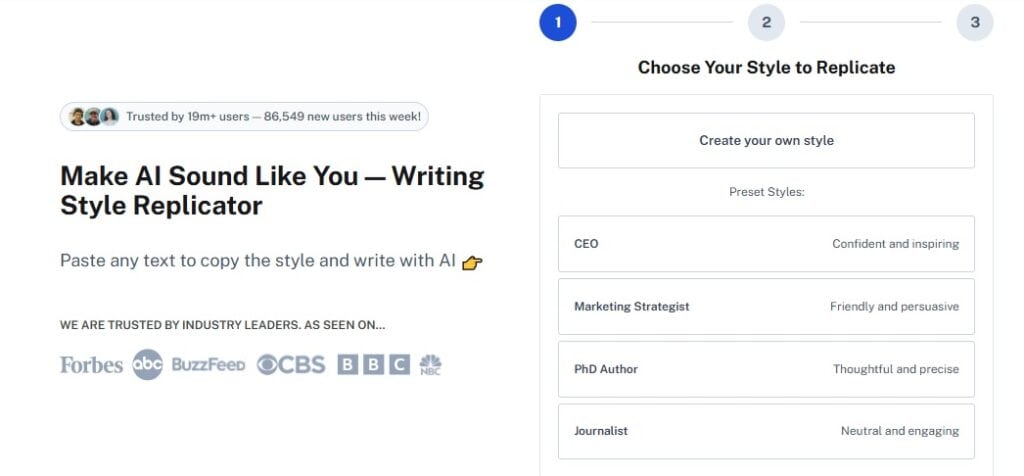
Now, if you are working with a large team or generating a lot of content, you can use the Undetectable AI’s Writing Style Replicator. This tool helps you keep your brand’s tone consistent across all documents.
So whether you are updating an onboarding guide or writing a new technical documentation, this AI writing style replicator ensures the voice stays aligned.
- Updating And Version Controlling Documents Regularly
A documentation that has become outdated is worse than no documentation. Suppose that you purchase a new product and you discover that, since the last software upgrade, the manuals on how to install the product are not updated.
That is frustrating, right? When features change, but docs don’t, users lose trust.
Version control also applies to docs, just like it applies to code. Therefore, whenever anything is modified in your product, you have to revamp your documentation.
Here is how to ensure that you always update your document:
- Use a versioning system
- Maintain a history of your versions
- Make sure to label every document version
- Put deprecated content in the archive
- Schedule documentation reviews alongside product releases
- Assign documentation update to a specific team
In case you are using technical documentation software, it is easier to update since this software already comes with built-in version tracking for easy management of updates.
- Incorporating User Feedback Effectively
The users of your technical documentation are your best quality assurance team if you let them. They are the best people to tell you where your product falls short since they are the ones actually reading your document and looking for answers you forgot to include.
So you would be doing yourself a disservice if you ignore user feedback.
Now, if you are looking for ways to receive feedback from your users, you should include:
- Feedback buttons
- “Was this helpful?” prompts
- Comment sections for internal docs
With the process, you can get insights into the pages that get the most negative feedback, giving you insight into rewrites.
Another way to monitor feedback is by looking at the search analytics. If you notice that people are always searching for something on your docs site and not getting positive responses, that is a gap you obviously need to fill.
Also, if your support team keeps answering the same questions frequently, you need to include those answers in your documentation.
The key is to actually act on the feedback. Collecting user feedback without taking action is just a waste of time.
- Enhancing Accessibility And Searchability
Documentation is useless when no one can find it, and this is the reason why accessibility and searchability cannot be considered secondary. They should be a major part of your documentation.
Accessibility and searchability can be improved in the following ways:
Use Descriptive Headings and Keywords
The headings should be the description of what is contained in that section, and the description must convey to the users what is contained in the document.
As an example, ‘How to Reset Your API key’ is a more fitting title compared to ‘Reset Options.’
It is vital that you always think about the words that the user will be most likely to type in a search engine and then incorporate them in your headings and body.
With the right keywords at the right places in your documentation, you will be able to come up with docs that would solve the problems of the user without any problem.
Include Alt Text For Visuals
It is important that you add alt text for every image, diagram, and screenshot in your documentation, not just for SEO, but for better understanding. Screen readers rely on alt text to describe visuals to users who can’t see them.
For better understanding, your alt text should be descriptive but concise. For instance, ‘A flowchart showing user authentication process’ is a better description than ‘Image 001.’
Make Content Mobile-friendly
Many users read documentation on their phones or table so you need to create a documentation layout that can adapt to phone screens. Your docs site needs to be responsive to any device.
The best way to do that is by:
- Keeping line length readable
- Using the right font size
- Making sure your tables and code blocks don’t break on smaller screens
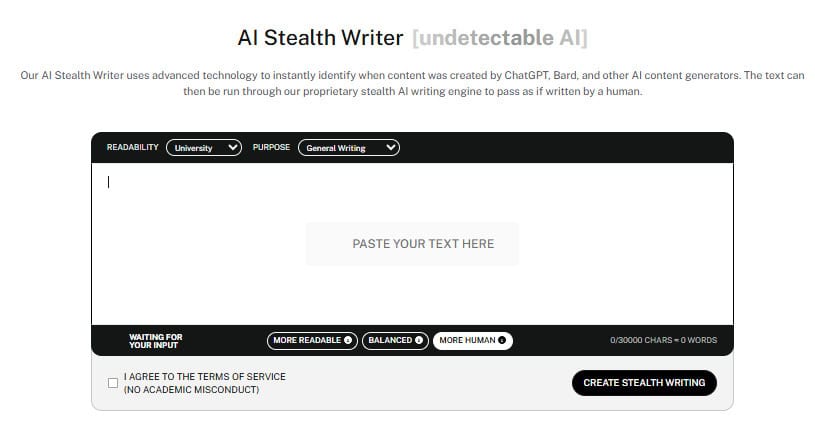
Are you looking for readable content to include in your documentation without being flagged as AI? You should try out the Undetectable AI Stealth Writer.
This tool helps you to elevate your writing so that your texts can pass AI detectors easily. With the Undetectable AI Stealth Writer, your content can read as though it were feedback from a human and not AI.
- Conduct a Thorough Review And Testing
It is not advisable to publish documentation that you have not tested yourself. A documentation that looks perfect to you as the writer may be confusing to the actual user.
So before any doc goes live, it should go through at least two stages of review.
The first review stage is the technical review. That is, you let someone who knows about the subject matter verify that everything contained in the document is accurate.
The second review should be done by a person who is not too close to the topic. You should let an independent eye look at the document to ensure that it completes the task it describes perfectly.
During your review process, here is a list of things to look out for:
- Accurate information
- Functional step-by-step instructions
- Working links
You should also consider doing a ‘doc run.’ That is, a step-by-step review of the document as if you were a new user.
So if you get stuck at any point, it shows you that there is a problem that needs fixing before the doc is published.
Part of reviewing also involves testing your links. A broken link in documentation is embarrassing and annoying. To solve broken link issues, have a regular link checking process, especially for external references that you do not control.
You should always have someone unfamiliar with the feature follow the guide. If they get stuck, then you need to revise. Carrying out reviews is what sets you apart from other technical documentation writers.
- How Undetectable AI Improves Technical Documentation
Artificial intelligence has become more popular since its inception, and content generated with AI has become a big part of how documentation teams work in 2026.
Nobody should be ashamed of using AI for work anymore. The only thing you need to be worried about is the smart use of AI tools.
You have to smartly apply AI to ensure that AI-generated content does not reveal its origin. Nothing breaks a reader’s concentration faster than robotic texts.
That is why tools like the Undetectable AI’s AI Humanizer exist. This AI Humanizer takes artificial intelligence-generated text and refines it to the extent that it feels human-written.
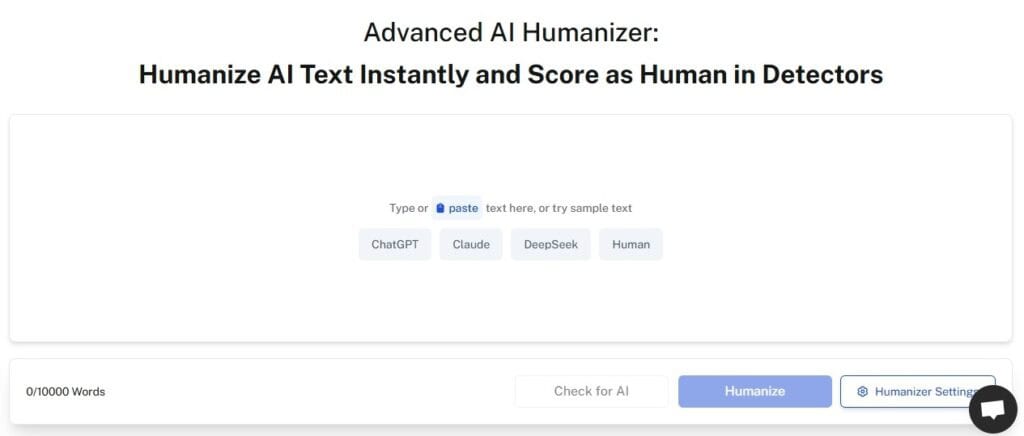
With this tool, you do not have to worry about awkward robotic phrasing or texts. It makes your AI text sound like it was written by a real person.
For technical documentation, you can use AI without sacrificing quality. Just because your API reference was written by a machine, it doesn’t have to sound robotic.
Now, beyond humanizing content, there are other tools in the Undetectable AI suite that can help with technical documentation. Undetectable AI has tools that can assist in keeping consistency, passing AI detectors, and creating readable content.
Irrespective of the development in artificial intelligence, AI will never be able to substitute human work. You can get work done faster with AI, but you still need to review the result.
Try both our AI Detector and Humanizer directly in the widget below!
Final Thoughts
Good technical documentation does not just come as an accident. It only takes conscious efforts, like being consistent and interested in enriching the experience of readers.
Therefore, regardless of whether you work alone as a technical documentation writer or are on a team, the 7 practices identified in this article provide you with a strong base to start with.
The most advantageous thing is that you do not even have to do it on your own. There are many technical documentation templates and technical documentation software to choose from.
Create clear, consistent documentation faster with the support of Undetectable AI.