
With the daily influx of artificial intelligence tools, it becomes difficult to actually know which one works efficiently.
It is possible that you have recently seen the hype around Merlin AI, and you are wondering if it is actually a time saver or one of those over hyped products that withers away with time.
To find out if Merlin AI is really worth it, we decided to put it through the standard test procedure.
So continue reading to find out what the tool does, how it works, if it’s accurate, and most importantly, whether it will genuinely save you time at work or just add to your list of abandoned tools.
Key Takeaways
- Merlin AI can be used for quick drafts, summaries, and browser-based tasks
- The summarized content sometimes leaves out the important points
- The Merlin AI extension can be installed for easy and fast access
- The tool works well for simple tasks, but struggles with technical or detailed input
What Is Merlin AI?
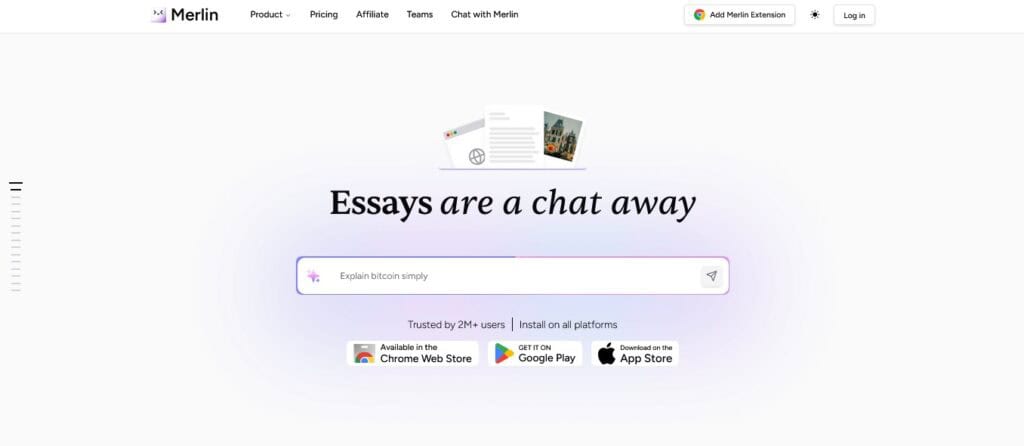
Merlin AI is an artificial intelligence application that is used as a productivity assistant. It is also created to operate directly with your browser as opposed to the need to toggle between various tools.
AI Merlin can help you summarize web pages, compose or rewrite emails, translate text, and generate fresh content.
It is an assistant that lives in your browser 24/7, waiting for your command.


Never Worry About AI Detecting Your Texts Again. Undetectable AI Can Help You:
- Make your AI assisted writing appear human-like.
- Bypass all major AI detection tools with just one click.
- Use AI safely and confidently in school and work.
You can also call it a versatile artificial intelligence model because it has other AI models like ChatGPT, Claude, Gemini, Llama, and Grok available on the website.
So, with the tool, you do not need to keep switching between tabs to access the artificial intelligence model of your choice.
Merlin AI was developed by Pratyush Misra and his Foyer Tech Inc. team in October 2021.
The developers of this AI product were ambitious enough to make artificial intelligence more user-friendly and applicable in everyday life.
The tool integrates directly into the website you are using. For example, if you are on X trying to create a tweet or you need to summarize a lengthy YouTube video, just ask Merlin AI.
It is like a person who sees the same thing you are looking at, understands the context of your prompt, and gives the desired results.
The easy flow Merlin AI offers, coupled with the option to work with different models, is what makes it appealing to people who rely on artificial intelligence daily.
Main Features of Merlin AI
Here are the core features of AI Merlin:
- Multi-Model AI Access: This AI tool allows you to switch between models of ChatGPT, Claude, and Gemini, without needing separate accounts. There is no need to worry, as you can change to a different model in case the result is not satisfactory.
- Easy Summarization: Instead of wasting productive time watching a lengthy video or even watching a video at 2x speed just to get the main points, you can use Merlin AI to get a summary of the key points in the video.
- Writing Assistance: Merlin AI has drafting abilities. So anytime you feel that your brain isn’t working as fast or efficiently as you want, you can use the Chat Merlin AI to get suggestions for an email or blog post.
- Browser Extension: The Merlin AI extension can be used on your browser easily. You do not necessarily need to visit the site or even undergo the Merlin AI login procedures every time; all you need to do is install the extension, and you are good.
- AI Chat: You can simply chat with Merlin AI chat about anything you wish. The chatbot allows you to access results based on research by any AI model. It is also easy to upload PDFs and discuss the content of the document without reading the entire text due to this feature.
- Device Compatibility: Merlin AI can be used on both desktop and mobile phones. On a desktop, all you have to do is get the extension. For mobile use, you need to download the IOS or Android version, depending on your mobile phone.
- Image Generation: Merlin AI also offers its users the option to generate images. However, it cannot replace professional design tools. You can use this feature for simple mockups or animation.
Merlin AI Explained: How It Works
A closer examination of how Merlin AI generates its outputs reveals that it does not operate with its own AI model. It actually works based on the efforts of other existing artificial intelligence models and API.
For example, when you are chatting with the AI chat, you are communicating with OpenAI, Anthropic, and Google models.
Therefore, the most appropriate way of considering the functionality of the tool is to think of it as a universal remote where you can then alternate the channels.
The multi-model function allows users to get different perspectives from different models.
Being able to switch at will helps you get more comprehensive answers, especially for complex questions.
Merlin AI also uses queries to produce results. However, in this case, a single query does not mean one question. A query is usually measured by the API calls made to an artificial intelligence model.
For instance, Merlin AI uses 30 queries when users query GPT 4, Gemini 1.5, and Mistral large model.
The free plan only gives 120 daily queries, which seems like a lot until you have to use it for longer content or have a continuous conversation.
Explaining how Merlin AI works also requires you to understand the setup process.
Here is how to set up the tool:
- Install the extension or download the mobile app
- Create an account
- Choose between the free plan and the paid plan
- Start using the features of the tool when you like
Is Merlin AI Accurate?
This was the question on our mind when we decided to put the tool to the test using the testing methodology inspired by ZDNet’s widely referenced benchmark.
To test the accuracy of the tool, we decided to:
- Generate a text with Merlin AI
- Check the AI level with the Merlin AI detector
- Use the Undetectable AI detector to check the text
- Put the text through the Undetectable AI Humanizer
- Check the humanized text with the Merlin AI Detector.
Test
- A text about cats was generated using Merlin AI Chat
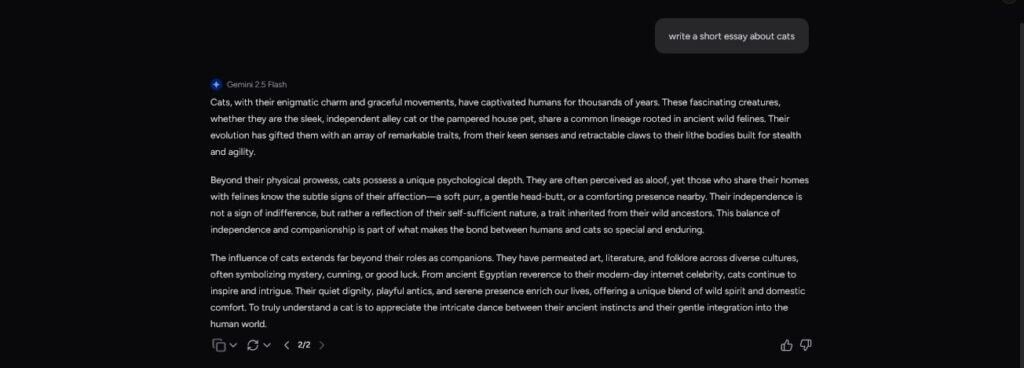
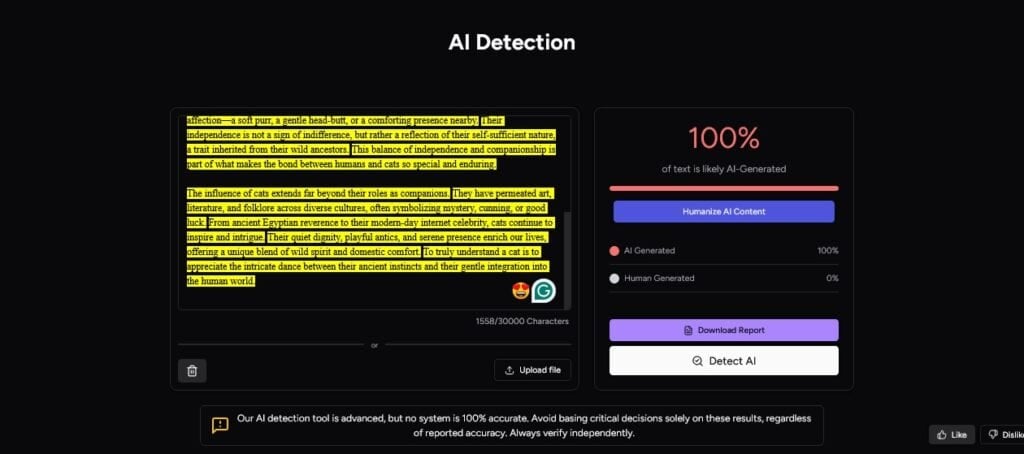
- The generated text from Merlin was put through the Merlin AI detector and it came out 100% AI generated.
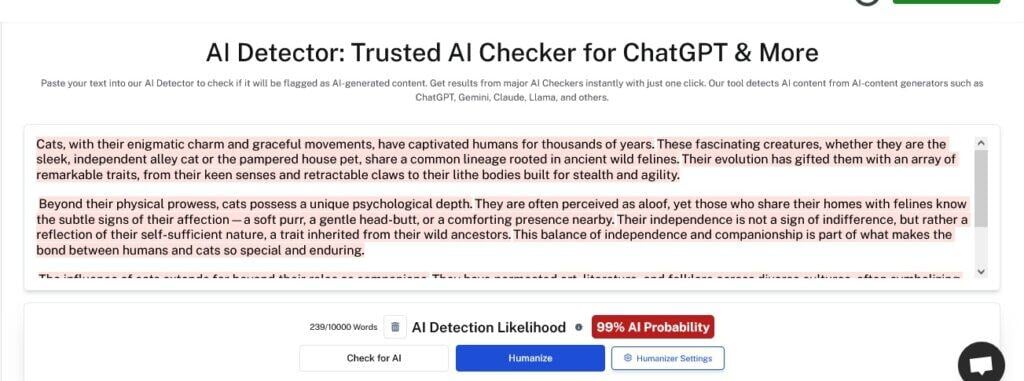
- The same AI-generated text from Merlin was also detected by Undetectable AI Detector as 99% AI-generated. This shows that the Merlin AI detector does a good job with recognizing AI text.
- We then used the Merlin AI Humanizer to make the AI-generated text sound more natural and human-like and the humanized result came out as “37.08% of the text is likely AI-generated.”
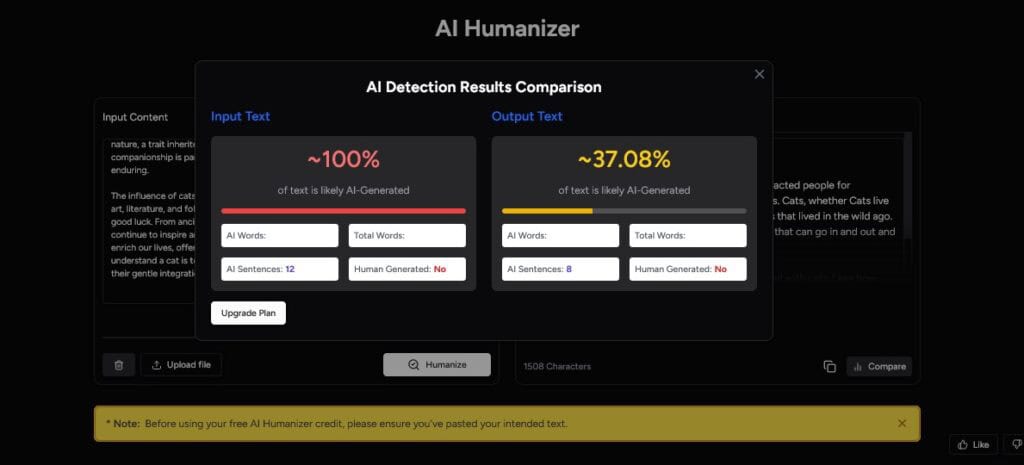
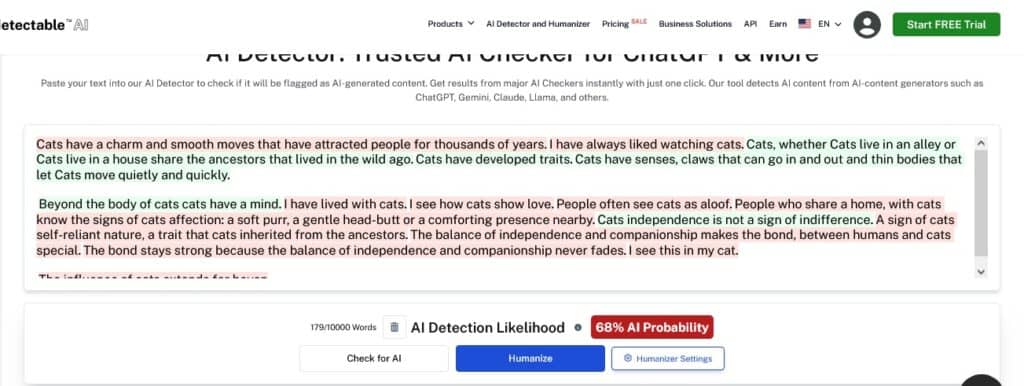
- Again, we took the humanized text Merlin AI humanizer generated and put it through the Undetectable AI Detector, and it came out as 68% AI generated. This is the same text that Merlin AI certified as 37.08% AI. This result shows that the humanizer from Merlin cannot be trusted to deliver the best results.
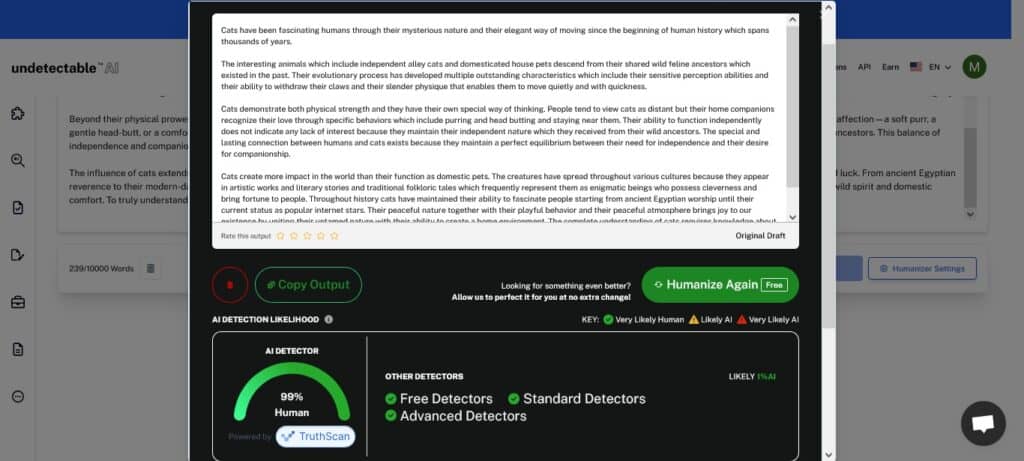
- Now we decided to put our Humanizer to the test by humanizing the AI-generated text from Merlin AI. The result from our Humanizer was a 99% human text.
- Lastly, we took the humanized text from Undetectable AI Humanizer and tested for AI with Merlin AI’s Detector, and as expected the result shows a 0% chance that the text is AI-generated
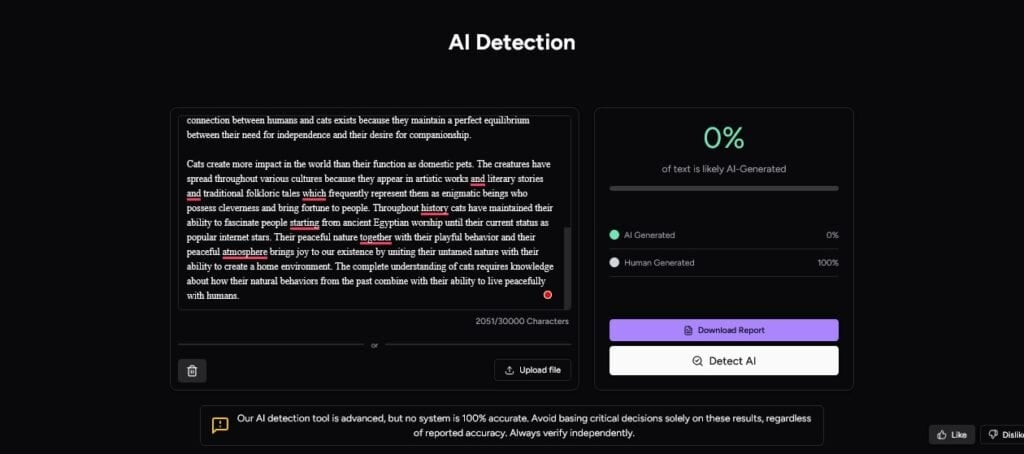
From the test above, it is obvious that Merlin’s AI detector performs its functions well, but the same cannot be said about the Humanizer.
So, it would be better to always check the results from the Merlin AI humanizer with other tools to save yourself from costly errors.
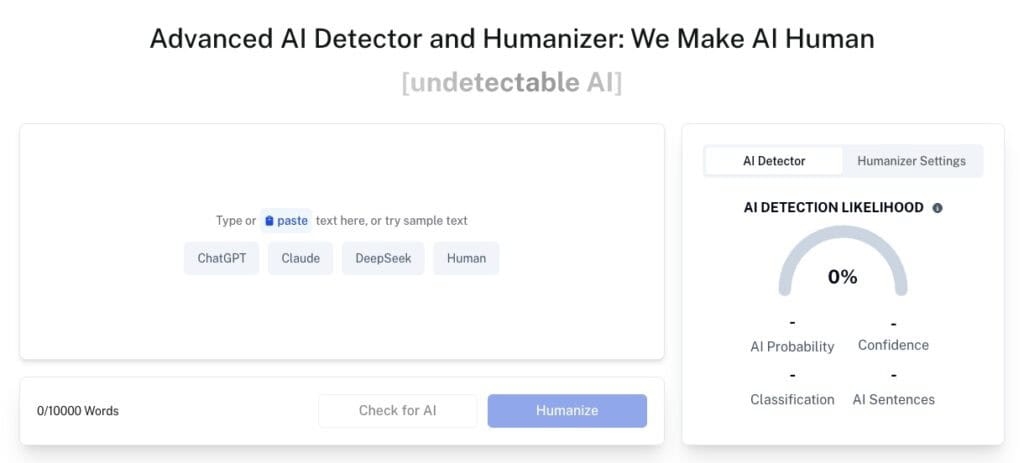
The best way to avoid penalties after using AI text generated from Merlin AI is by checking with Undetectable AI Detector and Humanizer.
Our tool helps to verify if your content truly appears human, and also rewrites any part flagged as AI.
Alternatives to Merlin AI
While Merlin AI tries its best to produce accurate results, there are still other tools that perform the same functions and sometimes produce better results.
Here are a few tools:
- Undetectable AI: This tool is one of the best AI tools you will come across on the Internet. It is an all-in-one kind of AI. It offers the services that Merlin does and even more. With the Undetectable AI, you can paraphrase, rewrite, check for plagiarism, and so much more. With an alternative like this, you don’t have to switch between websites to get the best experience.
- Compose AI: Just like Merlin, Compose AI also has an extension. The tool allows you to generate any text using artificial intelligence. You can also use the tool to rewrite text or even write email replies.
- ChatGPT: While Merlin AI gives you access to different AI models, some users prefer focusing on results from ChatGPT alone. This artificial intelligence model gives you access to various versions, such as GPT-4 or DALL-E 3. So, instead of getting results from ChatGPT on Merlin AI, you can directly go to the source.
- TubeonAI: It works well for YouTube and content summarization. Not only does it work with the creation of the summaries of your YouTube videos, but also with the Summarization of podcasts, web pages, and PDFs.
- Claude: You may also go directly to Claude to generate text without using the results of Merlin, just like ChatGPT.
- Harper AI: This tool is powered by a hybrid AI engine that combines ChatGPT, Claude, Gemini, perplexity, and DeepSeek with web automation. Also, just like Merlin AI, it has a web extension for easy use.
- MaxAI.Me: It is similar to Merlin AI because it also gives you access to multiple AI models in one place, with a friendly user interface and pricing structure. MaxAI.Me is worth checking out if you want to compare experiences.
Can Merlin AI Detect AI-Edited or Paraphrased Text?
It would be difficult to rely on the Merlin AI to identify AI-edited or paraphrased text with accuracy.
The AI detector boasts of being advanced, but no tool is 100 percent correct, even a new tool such as the Merlin AI Detector.
So the most appropriate answer to the question is Yes; however, one should not lean on it. The best way to get good results is to try out other trusted artificial intelligence detection tools.
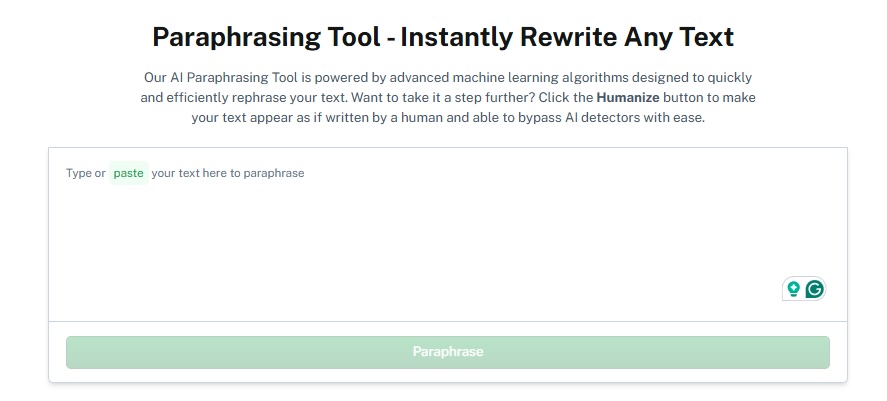
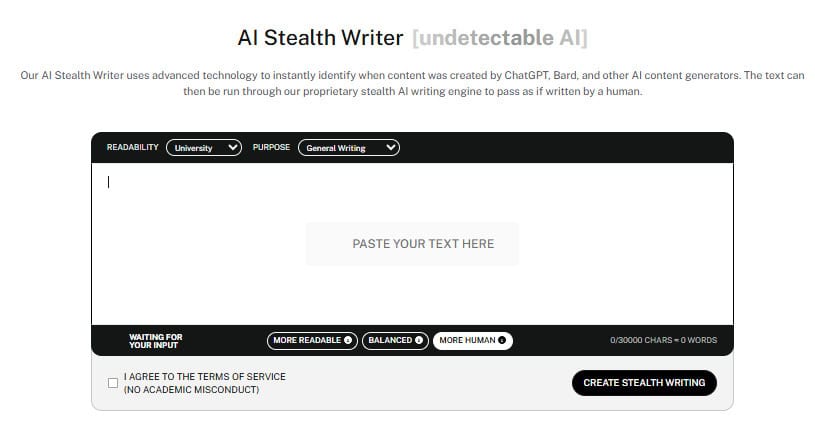
You can use our Undetectable’s AI Paraphraser and AI Stealth Writer to rewrite your text, make it indistinguishable from human writing, and evade advanced detection tools.
Get started with our AI Detector and Humanizer in the widget below!
FAQs About Merlin AI
Is the Merlin AI Extension Safe to Use?
Yes, the Merlin AI extension is secure. It also has a rating of 4.8 in the Chrome Web Store and a user base of more than 1,000,000, which means that there are a large number of users who place their trust in the safety of the tool.
Nevertheless, as with any other browser-based tool, one should be careful about permissions and should not provide any sensitive information.
What are the Benefits of Merlin AI?
The benefits of Merlin AI include:
– It saves time by providing summaries
– It is cost-efficient because you don’t have to pay for each artificial intelligence model individually
– It has a web version and a mobile version
– It provides a different perspective on the same question depending on the model you use
– It supports fast learning since you don’t have to watch long videos or read bulky PDFs
Final Verdict
Does Merlin AI actually save time at work? Yes, it does; however, it is best used when you are constantly summarizing content or if you are on a budget and want to work with premium AI models.
Merlin AI is not the top choice if you need to take advantage of the full potential of a particular AI model. The tool also only performs at its best when it works with English-related content. It is not necessarily the best tool for work if you are relying on the free version alone.
One feature of the tool that attracts users is the multi-model function and the price you pay for it. Merlin’s pricing structure is fair, considering that users are able to get results from models like ChatGPT and Claude.
Like any type of artificial intelligence application, Merlin AI is merely a productivity tool, so you need to use the right prompt, review the output, and use your initiative. It is an assistant and not your replacement.
For better results, pair Merlin AI with other tools like Undetectable AI.
Our AI Paraphraser and Stealth Writer can help you refine outputs, making them sound like human writing, so you can bypass advanced AI detection.