
Whenever you write in an academic setting, it’s natural to wonder whether your work is truly original or if you have accidentally plagiarized someone else’s words.
This tends to happen to students and researchers who unknowingly write down the same thoughts someone else had.
The way around this is to use a plagiarism checker, and EasyBib has positioned itself as the essential tool for checking your work for plagiarism as well as aiding you in developing bibliographies and citations for any popular style guides.
Further into this review, we’ll assess this tool and inform you if it’s worth using.
Key Takeaways
- EasyBib is a citation tool launched in 2001 that grew after being acquired by Chegg in 2016 and now offers a plagiarism checker.
- Basic citation generation is free on EasyBib, but the expert plagiarism checker option requires a paid subscription.
- EasyBib can’t detect AI-edited texts due to its lack of an AI detector.
- You can choose EasyBib for bibliography needs or use Undetectable AI tools to ensure your AI-generated text passes detectors.
What Is EasyBib?
EasyBib is an online citation management tool and digital research assistant designed to simplify the academic referencing process.
This platform launched in 2001 as a go-to resource for students and educators who need quick yet accurate citations without memorizing complex formatting rules of various academic styles.
Currently, EasyBib has grown significantly and expanded from a citation generator to a plagiarism checker to support students and researchers’ writing process, ensuring their work is original before they hand it in.


Never Worry About AI Detecting Your Texts Again. Undetectable AI Can Help You:
- Make your AI assisted writing appear human-like.
- Bypass all major AI detection tools with just one click.
- Use AI safely and confidently in school and work.
Quick Overview of EasyBib
While EasyBib is primarily known for its core citation feature, it also offers necessary academic features that students and academics will need.
They include the following:
Plagiarism Checker
This tool scans your paper against billions of web pages and public academic databases to measure how much of your content matches existing research online.
With this insight, you add proper in-text citations early, reduce plagiarism risks, and protect your academic record before submission.
EasyBib recognized that accurate citation goes hand-in-hand with originality. So, the platform added a plagiarism detection tool.
Cite Your Sources
This feature is EasyBib’s star offering to its users. Anyone using it can get thousands of citation styles, including the EasyBib MLA format, APA, Chicago, and Harvard.
All you have to do is put in the source information, e.g., the URL, or you can just type it in, and the EasyBib APA generator would create the right citation.
In case you have dozens of sources, the platform gives you a chance to create a full work cited page and save it directly to your word processor, e.g, Microsoft Word.
Writing Assistant
Another feature of EasyBib is the writing assistant, which is used to perfect academic writing by spelling and punctuation.
The tool checks grammar and makes your paper flow better to meet the accepted academic requirements.
Due to this, you can get the tool to rephrase your writing to achieve a formal tone or otherwise.
How Does EasyBib Work?
The EasyBib research assistant centers on simplicity and helping you remove the technical barriers between you and properly formatted citations.
As you begin your high school essay or a graduate-level thesis, EasyBib will streamline your workflow through this process:
- Select Your Source Type
This process is quite intuitive, and what you have to do is specify what type of source you’re citing.
EasyBib gives you over 20 likely source types from websites, journals, EasyBib books, newspapers, videos, podcasts, and music that you could cite.
Since each source type has unique citation requirements, EasyBib helps you bypass all this by automatically filling the required fields based on your selection.
- Input Source Information
After picking the source type, add in the key details like the ISBN or anything else relevant. This helps EasyBib find it for you. But if the source is pretty obscure, it might not turn up anything.
So enter the citation details manually. The platform will handle formatting right in your chosen style.
- Choose Your Citation Style
EasyBib covers all the main academic styles out there. The EasyBib APA citation and MLA options top the list for most students.
What sets it apart is picking your citation style even after it finds the source.
Once you generate the citation, just copy it straight over or send it wherever you need.
Additionally, the EasyBib plagiarism checker gives you a couple of straightforward choices. Paste your essay right into the tool, or upload it from your device or Google Drive.
The checker scans your text across its available database.
Once the analysis is done, it flags sections that match outside sources, helping you spot areas where extra citations are needed.
Is EasyBib Plagiarism Checker Accurate?
This is the burning question you need answered, and we’ve run the test to determine if the tool works accurately by using ZDNet’s industry-proven testing metric.
In a popular test run by ZDNet on 10 AI content detectors, they found ours to have 100% accuracy, and our findings will reveal how accurately EasyBib performs in real-world use.
First, we ran a plagiarized text that had been paraphrased on the platform. The analysis showed a 78% plagiarism score.
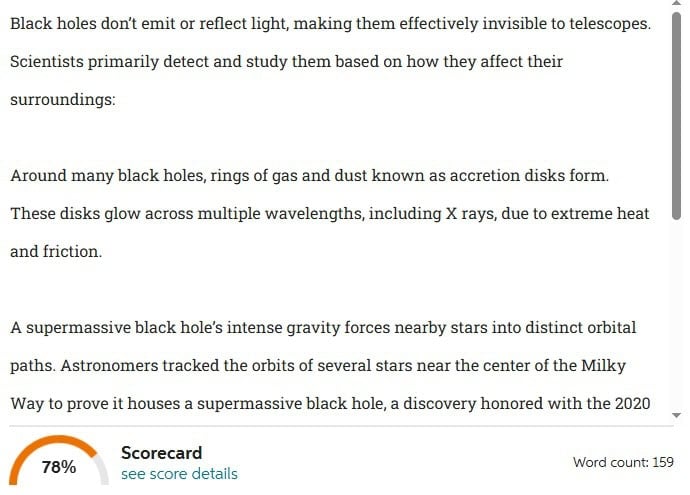
The result was spot on. However, for a more in-depth analysis with highlights on plagiarized areas, you’d have to be a subscribed user.
Meanwhile, our plagiarism checker found the same text to have 68% AI plagiarism, proving EasyBib was accurate.

For our next test, we tried a short essay written from scratch without references. EasyBib gave it a 25% plagiarism score.
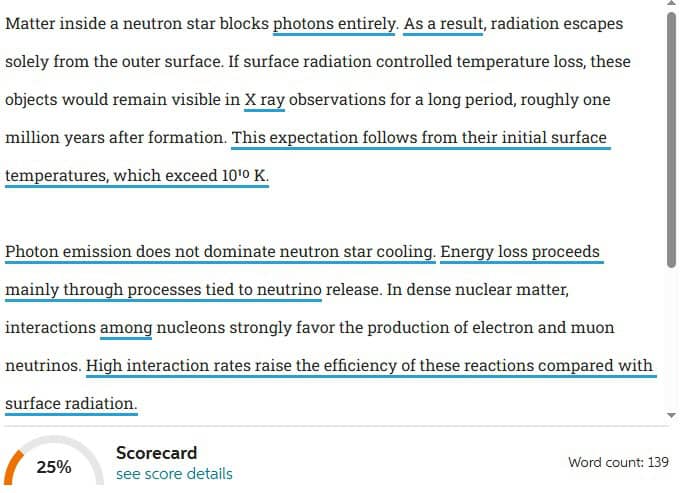
EasyBib’s result was decent. On the flip side, our checker found the same text to have no plagiarism with 99% confidence.
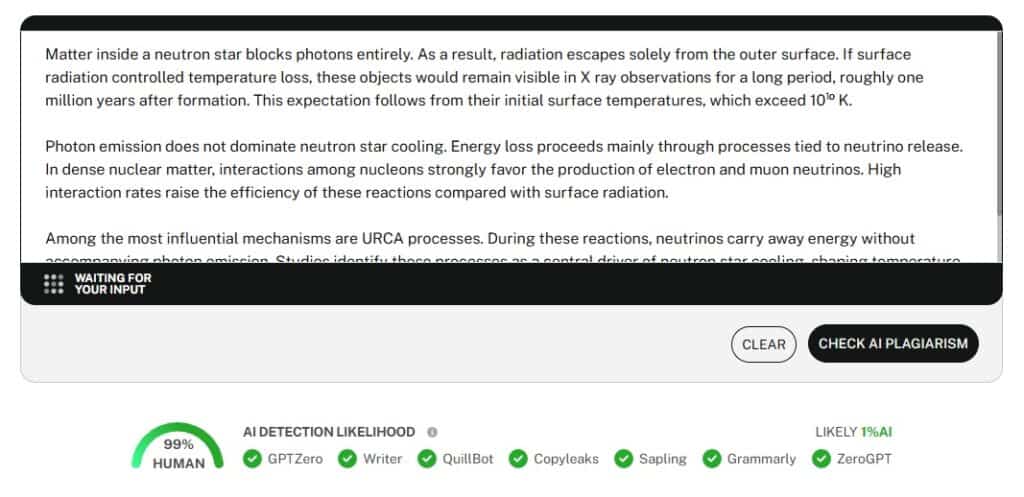
We concluded that EasyBib can easily catch essays that have glaring plagiarism. Yet, texts written from scratch result in lower scores.\
Despite this, EasyBib’s more accurate analysis is behind a paywall. So, if you’re not subscribed, you won’t see the likely sources you might have accidentally plagiarized.
From our review, we also discovered a glaring shortcoming of EasyBib. The site lacks an AI detector, much less a humanizer, which students and researchers are increasingly in need of to polish their work.
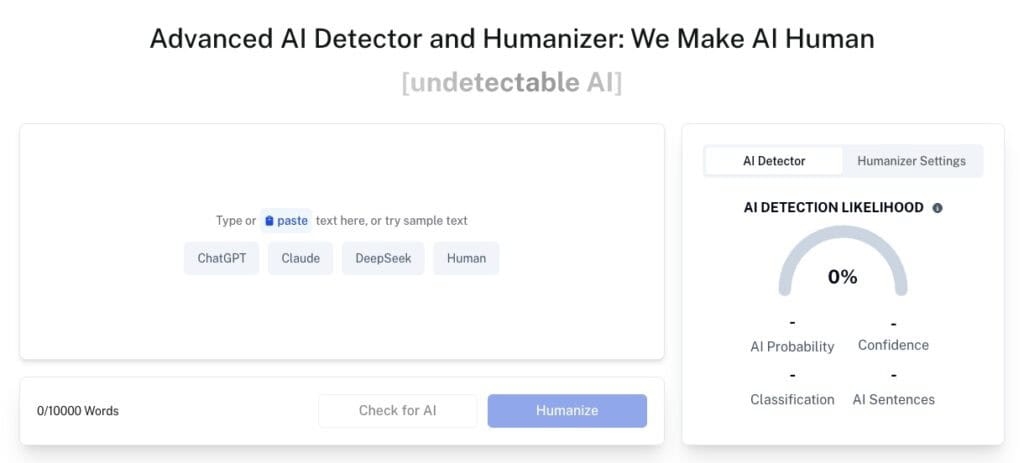
Since EasyBib lacks these tools, it’s best that you use our AI Detector and Humanizer, which will ensure your essays are detected as human.
In case your work has been flagged as AI-generated, our tool can rewrite it and bypass AI detectors used by institutions and journals.
Pros and Cons of EasyBib
EasyBib stands out as a widely used citation generator among students, yet the platform shows clear strengths alongside notable limits. For this reason, EasyBib fails to suit every academic need.
Below is our honest evaluation of where EasyBib performs well and where it falls short.
| Pros | Cons |
| EasyBib has a clean design that makes it perfect and accessible for new users. | You’ll have to subscribe to get access to its detailed plagiarism report. |
| It supports hundreds of citation formats, making it versatile for different academic disciplines. | The system could sometimes pull incorrect information from sources or format citations with minor errors that require manual correction. |
| The project-based organization helps users manage multiple papers simultaneously. This is perfect for students juggling several courses with different EasyBib research assignments. | EasyBib can’t auto-detect obscure publications and older books. This will require manual entry, which will inadvertently negate EasyBib’s time-saving benefits. |
| EasyBib maintains citation standards by updating its generators when style guides release new editions, like the MLA 9 and APA 7. | For people with privacy concerns, sharing your essay with EasyBib could be an issue. |
| The grammar checking complements the citation feature to offer writing support on one platform. | EasyBib has a dated interface compared to modern alternatives. |
EasyBib vs Undetectable AI
EasyBib has admittedly helped students and researchers streamline their writing process. Nevertheless, Undetectable AI represents a different approach to academic writing assistance.
It combines traditional citation and grammar tools with updated AI-powered features designed for the modern research environment.
So, if you’re deciding where to invest your time and money, look to the table below for EasyBib and Undetectable AI distinction.
| EasyBib | Undetectable AI |
| This platform has a citation tool supporting MLA, APA, and other major styles with automatic URL/ISBN lookup. | It has a citation generator that supports all major academic styles. You also get AI writing tools for a smoother workflow during your research process. |
| EasyBib has a robust plagiarism detector capable of scanning billions of web pages and academic databases. | It has an advanced plagiarism checker that checks traditional plagiarism and AI-generated content originality. |
| There’s a standard grammar and spell-checking tool that catches basic errors and style issues. | Users get a grammar checker with AI-enhanced suggestions that understand context better for academic writing. |
| EasyBib doesn’t address AI-generated content concerns. | Undetectable AI humanizes AI-generated text to bypass AI detection tools while maintaining natural writing quality. This is particularly valuable as institutions increase AI-content screening. |
| This is best for students who need quick citation generation and source management for extensive bibliographies. | This works best for students and individuals navigating AI-assisted writing environments who need citation tools alongside content humanization and style adaptation. |
| It doesn’t help generate or develop ideas. | It has robust content creation and development tools for brainstorming, outlining, and refining arguments. |
Students gain value from using both tools. All you have to do is make the right choice that fits into your academic context and factor in your institution’s approach to screening AI-generated content.
Can EasyBib Detect AI-Edited or Paraphrased Text?
EasyBib cannot detect AI-altered text. Although it excels at generating citations and catching traditional plagiarism, it simply doesn’t have AI detection capabilities.
However, when it comes to its plagiarism checker, you can reduce your plagiarism score by paraphrasing detected sections.
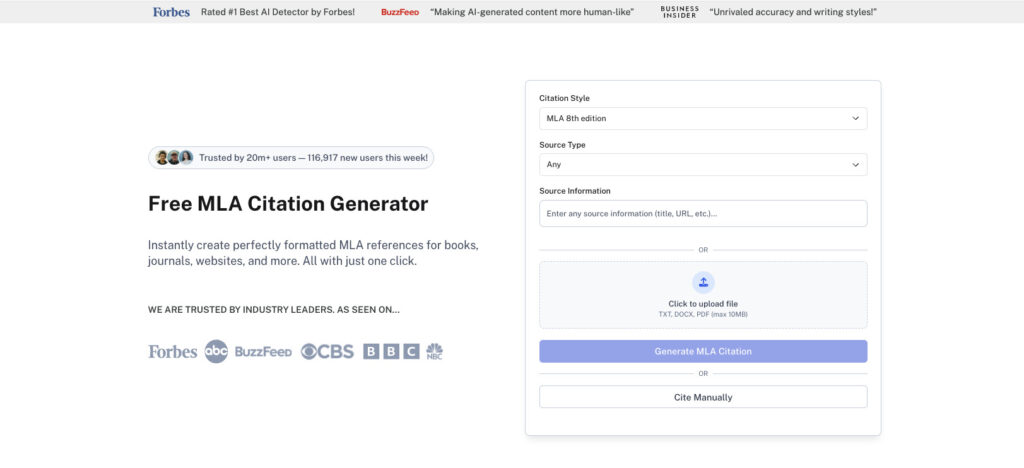
Perhaps you need a better citation generator then our AI Citation Generator is what you need, as it integrates seamlessly with your AI-assisted writing workflow.
You also need to know that your institution uses dedicated AI detection software.
As a result, simply running your AI-assisted work through EasyBib’s plagiarism checker won’t protect you from these specialized detection tools.
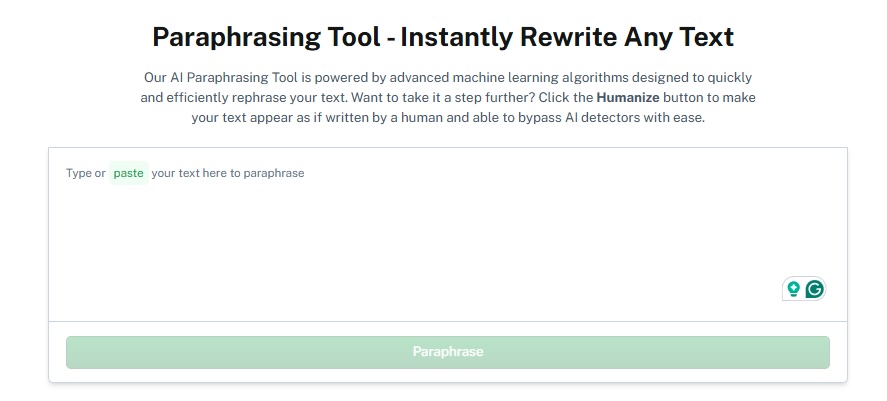
Notwithstanding, with our AI Paraphraser, you can instantly paraphrase your AI-generated text into genuinely human-sounding prose that bypasses AI detection software.
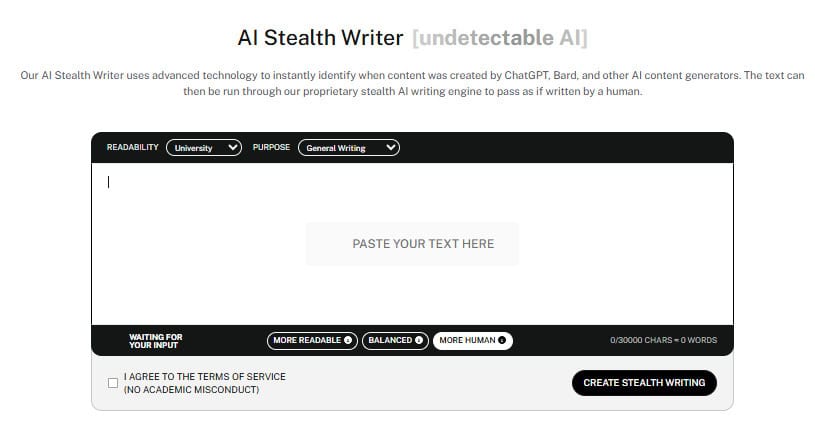
Besides, our AI Stealth Writer can act as a ghostwriter, helping you write natural essays that detectors won’t catch. In the end, you get to work smarter, write better, and stay undetected.
See your results instantly with our AI Detector and Humanizer below!
FAQs
Is the EasyBib Free Version Sufficient?
The answer depends entirely on your needs. EasyBib’s free version provides basic citation generation across major formats.
The free version carries strict limits and often feels incomplete.
You lack access to the expert plagiarism checker, so you’d have to subscribe to verify any accidental plagiarism or citation errors prior to submission.
How Accurate is EasyBib Plagiarism Checker
EasyBib’s plagiarism checker proves generally reliable for spotting text that has been directly copied from websites or other publicly accessible online sources.
It scans extensively to identify matches, helping ensure your work maintains originality.
However, the tool has limitations. Content that isn’t indexed in its database or material stored behind paywalls may go undetected, leaving gaps in its coverage.
What Source Types does EasyBib Support?
EasyBib supports an impressive range of source types, from traditional ones and multimedia to online sources. So, users get varied support for most academic research needs across different disciplines.
Final Verdict
EasyBib excels at making citations accessible for its users. It also helps that the platform is straightforward and provides common citation styles.
However, you won’t get better services on EasyBib if you don’t subscribe to its premium features.
Still, for simpler citation needs, the platform will suffice. As we’ve found, EasyBib can’t detect AI-edited text, but your school’s dedicated AI detection software absolutely can.
By the same token, you can use our AI Detector and Humanizer or our AI Stealth Writer to bypass any potential issues.
Ensure your citations and AI-generated content stay authentic with Undetectable AI.